
Most eCommerce email programmes are stuck in broadcast mode – blasting the same promotional message to an entire list on a fixed schedule. The data shows this approach is fading fast. Automated emails represent just 2% of total email sends but generate 30-37% of all email-attributed revenue, earning 16x more per send than scheduled campaigns, according to Omnisend’s 2025 Ecommerce Marketing Report.
The brands winning with email are doing something fundamentally different: they send the right message to the right person the moment a meaningful event happens.
This is the complete guide to event-based email marketing for eCommerce – 18 specific triggered email strategies, verified performance benchmarks, AI automation tactics, and a platform comparison to help you build or upgrade your programme.
What Is Event-Based Email Marketing?
Event-based email marketing – also called triggered email marketing or behavioural email automation – means sending an email automatically in response to a specific action, milestone, or behaviour. Not on a calendar schedule. Not to your whole list.
The trigger is the event. The email is the response.
Examples: a shopper abandons their cart, a customer’s birthday arrives, a product returns to stock, or a subscriber goes 90 days without a purchase. Each of these fires a specific, pre-built email – one that arrives when the customer is already thinking about the topic.That timing is precisely why it works. As part of a full eCommerce marketing strategy, event-based email is the highest-ROI channel for direct revenue attribution.
Why Event-Based Emails Outperform Broadcast Campaigns: 2026 Data
| Metric | Data Point |
| Automated vs Broadcast Revenue | Automated emails = 2% of sends, 30-37% of email revenue |
| Revenue Per Send | $2.87 per automated email vs $0.18 for broadcast |
| Abandoned Cart Open Rate | 50.5% average; top 10% reach 65.34% |
| Abandoned Cart Conversion | 3.33% average; top brands reach 7.69% |
| Back-in-Stock Conversion Rate | 6.46-6.72% – highest of any automated email |
| Welcome Email Open Rate | 83.63% average |
| Birthday Email AOV | Average order value 4x+ higher than store average |
These figures make the case without ambiguity. For brands running full-funnel eCommerce digital marketing, event-based email is not a supplementary tactic – it is the primary driver of email revenue.
The eCommerce Email Lifecycle: How Event Triggers Map to the Customer Journey
The most effective programmes address all four customer journey phases:
| Journey Phase | Customer State | Key Triggers |
| Acquisition | Signed up, no purchase yet | Welcome series, first-purchase incentive |
| Consideration | Browsing, comparing, hesitating | Browse abandonment, wishlist alerts, price drop |
| Conversion | Almost purchased, cart abandoned | Cart abandonment, pre-order, back-in-stock |
| Retention | Past buyer, at risk of lapsing | Post-purchase, cross-sell, loyalty, win-back, anniversary |
This lifecycle framework aligns directly with how leading eCommerce brands approach eCommerce marketing strategies – matching the message to where the customer actually is, not where you assume they are.
18 Event-Based Email Triggers for eCommerce
1. Welcome Email After Sign-Up (Pre-Purchase)
The welcome email is the single highest-performing automated email type in eCommerce, with an average open rate of 83.63% per GetResponse’s 2024 benchmarks. It fires immediately after a visitor subscribes – before any purchase.
A well-built welcome email (or a 2-3 email sequence over 5-7 days) should:
- Confirm the brand’s value proposition
- Surface bestselling or highest-reviewed products
- Deliver the incentive that prompted the sign-up (e.g., 10% off code)
Welcome emails generate 320% more revenue per email than standard promotional emails. Treat this as your most important acquisition email, not a formality.
Subject line examples: “Welcome to [Brand] – here’s your 10% off” / “You’re in. Here’s what to explore first.” Timing: Immediately on sign-up. Follow-up at Day 3 and Day 7 if no purchase.
2. Welcome After First Purchase (New Customer Onboarding)
This is a separate trigger from the sign-up welcome. It fires after the first order is placed and is designed to build loyalty from the very first transaction.
- Confirm the purchase and set delivery expectations
- Share brand story, care instructions, or usage tips
- Introduce a loyalty programme or referral scheme
- Invite them to follow social channels for product inspiration
Timing: 24 hours after first order confirmed.
3. Abandoned Cart Recovery
Cart abandonment represents the highest-volume revenue recovery opportunity in eCommerce. The average abandonment rate globally sits at approximately 70%. According to Klaviyo’s 2024 benchmark report, abandoned cart flows achieve a 50.5% open rate, 3.33% conversion on average, and up to 7.69% for the top 10% of brands.
A three-email sequence consistently outperforms a single reminder:
- Email 1 (1 hour after abandonment): Gentle reminder, show cart contents, no discount yet
- Email 2 (24 hours): Social proof – reviews for the abandoned product, low stock notice if relevant
- Email 3 (72 hours): Urgency or incentive – free shipping, small discount, or last-chance messaging
This is the single highest-ROI trigger in eCommerce email. For brands working with OLBUZ on eCommerce paid and organic campaigns, abandoned cart email is always the first flow activated.
Subject line examples: “You left something behind” / “Still thinking it over? Here’s 10% off” / “Your cart expires tonight.”
4. Browse Abandonment (Pre-Cart Intent)
A shopper who views a product page without adding to cart has signalled intent without commitment. Browse abandonment emails target this earlier funnel stage and significantly outperform promotional sends.
These emails should display the specific product viewed, support it with reviews, and create a soft reason to return – limited-edition nature, a bestseller badge, or a related item recommendation.
Timing: 4-6 hours after the browsing session. Follow-up at 24 hours if no conversion.
Note: This trigger requires ESP integration with your eCommerce platform (e.g., Klaviyo + Shopify) to track product-level page views against known subscriber profiles. See the full breakdown of eCommerce marketing trends in 2026 to understand how browse data integrates with multi-channel automation.
5. Back-in-Stock Alerts
Back-in-stock emails carry the highest automated conversion rate of any trigger – between 6.46% and 6.72% according to Omnisend’s 2025 email benchmarks. The reason is simple: the customer has already raised their hand.
Best practices:
- Send within minutes of restocking – speed is critical
- Include a direct add-to-cart CTA rather than a generic ‘view product’ link
- Display available quantity to reinforce urgency
- Add a secondary product recommendation in case their variant is gone
Subject line examples: “It’s back – but not for long” / “[Product name] is back in stock. Act fast.”
6. Price Drop on Wishlist or Viewed Item
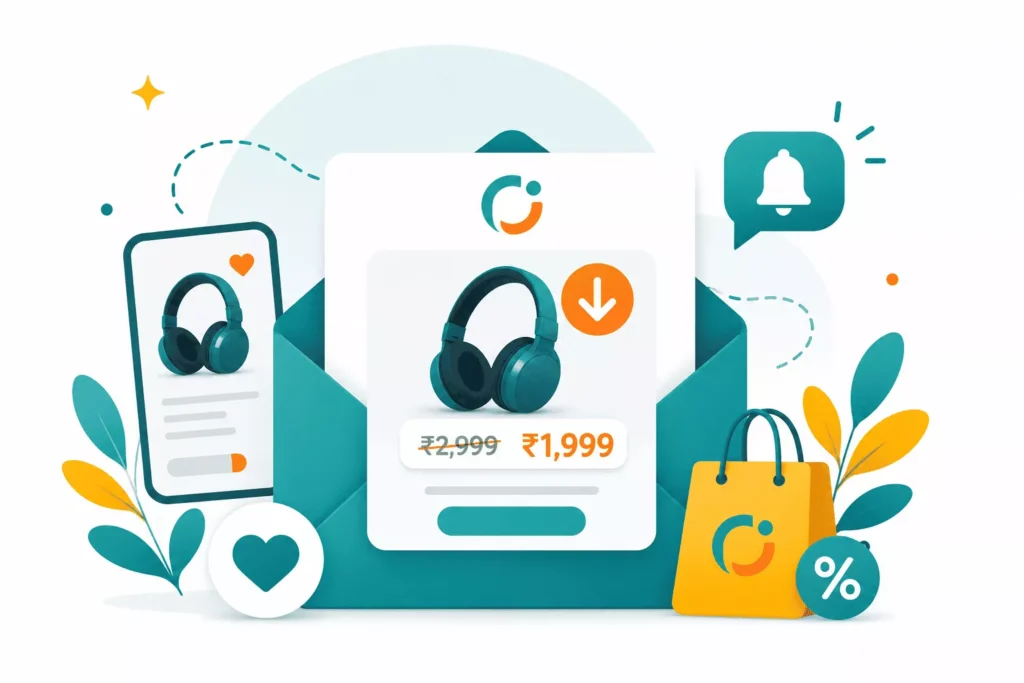
Price-sensitive shoppers who save items to wishlists or repeatedly view a product are telling you exactly what they want – at the right price. A price-drop alert removes the primary objection.
- Show the original and new price prominently
- Include a time limit if the reduction is promotional
- Add reviews or a best-seller badge to reinforce purchase confidence
7. Low Stock / Selling Out Alert on Wishlist

When a product a subscriber has shown interest in is nearing end of inventory, a low-stock alert creates legitimate urgency without manufactured pressure. This works particularly well for apparel, limited-edition products, and seasonal items.
Threshold recommendation: Trigger when stock drops to 10 or fewer units, or fewer than 3 of a specific variant.
8. Post-Purchase Follow-Up and Product Education
The post-purchase window is underused by most eCommerce brands. The customer is at peak satisfaction – they have just trusted you with their money. This is the ideal moment to deepen the relationship.
A 2-4 email post-purchase sequence over 7-14 days:
- Day 1-2: Order confirmation and shipping update (transactional – but with brand-forward design)
- Day 5-7: Usage tips, care instructions, or ‘how to get the most from [product]’ content
- Day 10-14: Review request – this is the highest-quality moment to ask
- Day 14-21: Cross-sell or complementary product recommendation based on the purchase
Order and shipping confirmation emails convert 22 times better than campaign emails according to Omnisend. Making these transactional emails feel premium has measurable revenue impact.
9. Cross-Sell and Complementary Product Recommendation
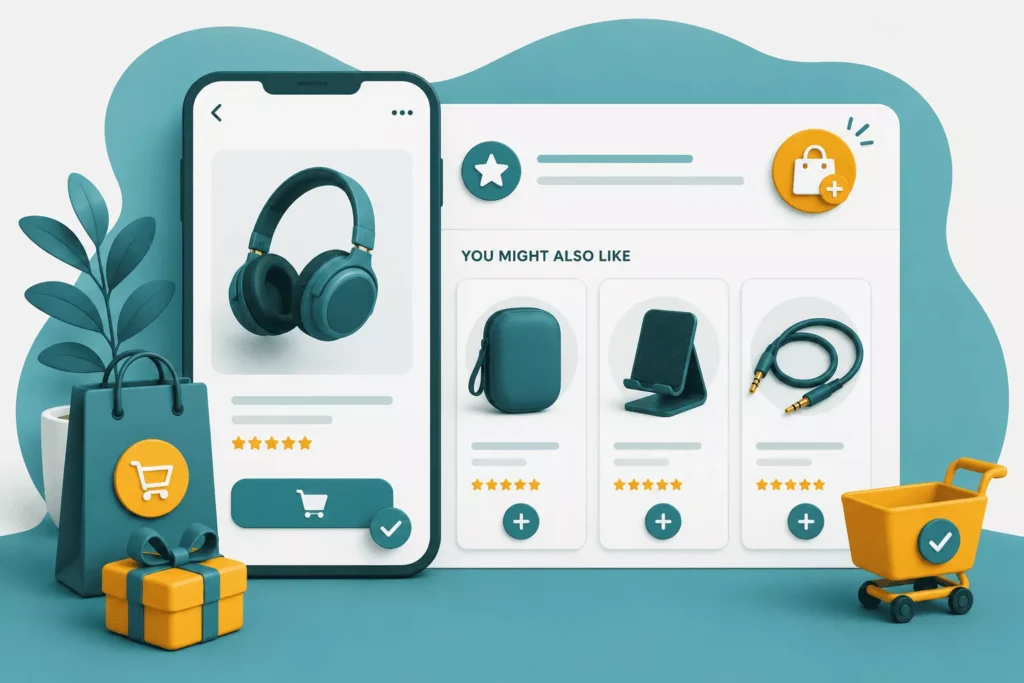
Cross-selling via email converts highest when it is behaviour-driven, not generic. Tie the recommendation directly to what was purchased.
Examples: a customer who buys a DSLR camera gets an email about lenses and camera bags. A customer who buys a moisturiser gets a serum recommendation 30 days later. A customer who buys running shoes gets socks and apparel from the same brand.
- Match the recommendation to the purchase category
- Wait 10-21 days post-purchase – let them use the product first
- Include customer reviews for the recommended product
10. New Arrival in Previously Purchased Brand or Category
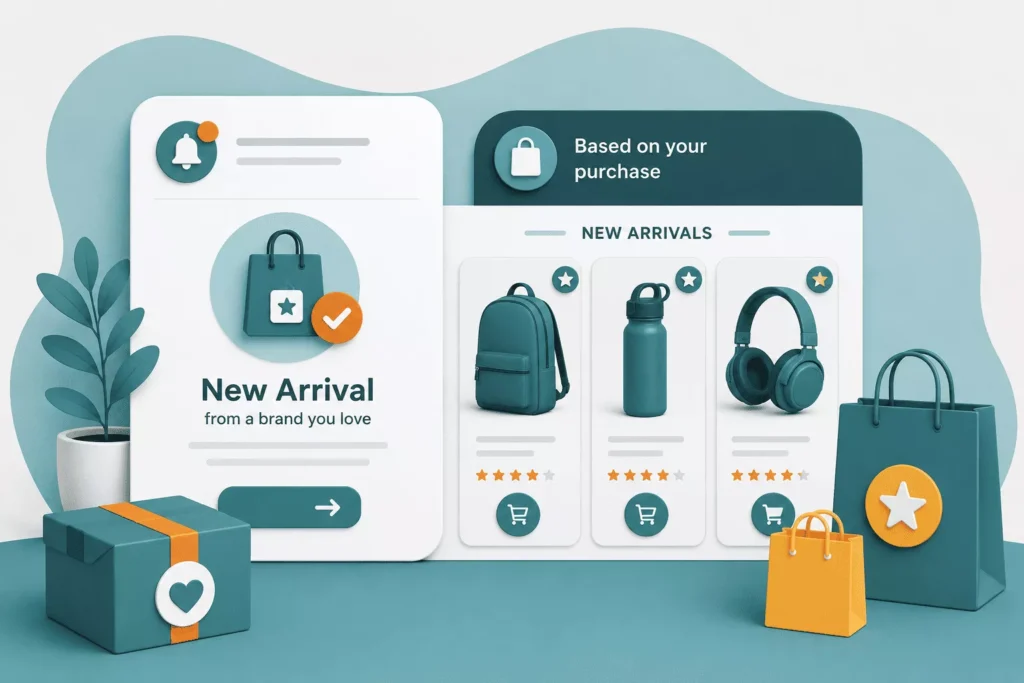
A customer who has purchased from a specific brand or category in your store is a qualified audience for new releases in that space. This trigger works across virtually every vertical: fashion (new season arrivals), electronics (new model in a product line they own), beauty (new launch from a brand already in their routine).
Subject line example: “New from [Brand Name] – and we thought of you.”
11. New Style or Variant in a Previously Purchased Product Line
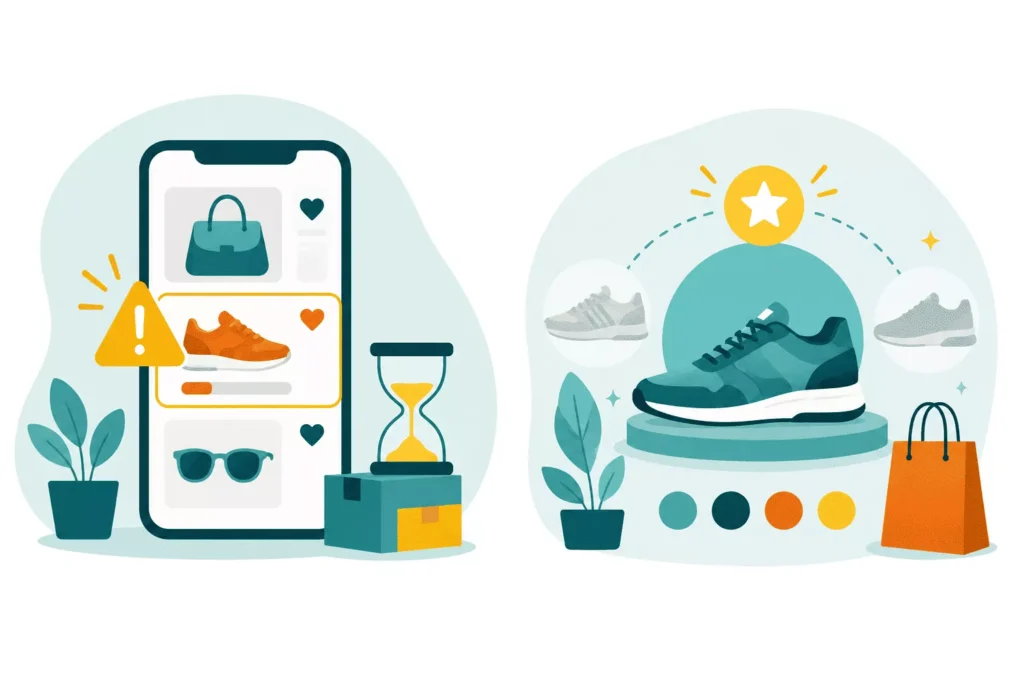
A more specific version of Trigger 10. If a customer bought one colourway and the same style now comes in three new options, they are a prime candidate for a variant alert. Pair this with a customer preference profile – collected at sign-up or via a post-purchase survey – to filter by size, colour, or material.
12. Pre-Order and Early Access Campaigns
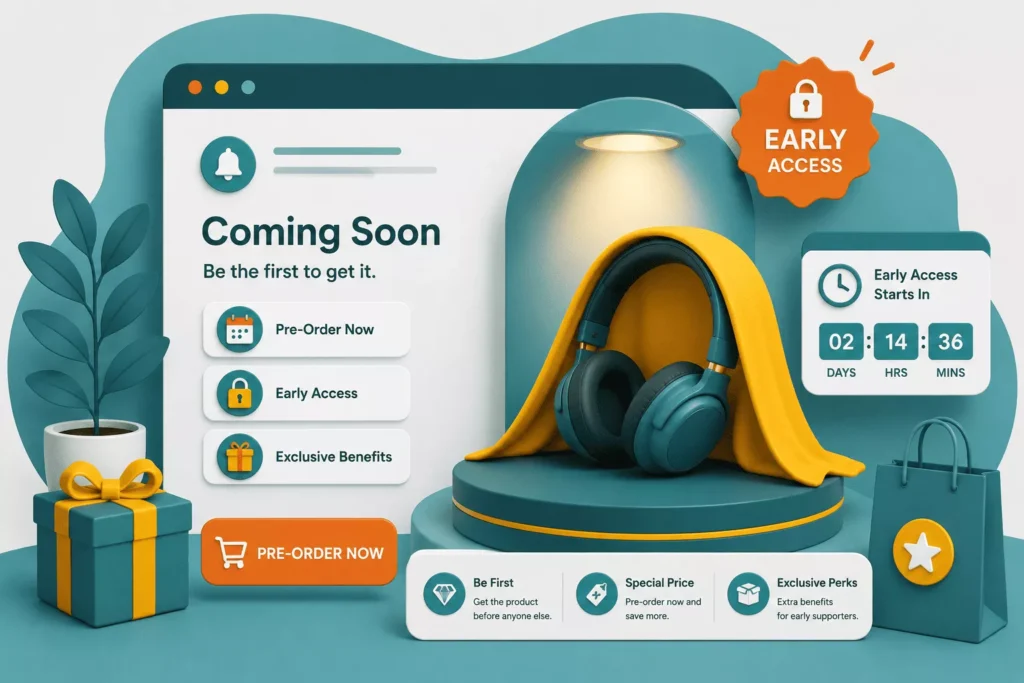
Pre-order emails generate early revenue and build anticipation. Position them as exclusive access for loyal customers or email subscribers – not just a functional payment mechanism.
- Segment to existing customers or high-engagement subscribers for a first-access window
- Use a countdown timer (supported by most modern ESPs) to add urgency
- Set clear delivery timeline expectations – pre-order customers tolerate wait times when they know what to expect
- Include a guarantee: easy returns if the product doesn’t meet expectations
13. Refer-a-Friend Trigger (Post Positive Engagement)
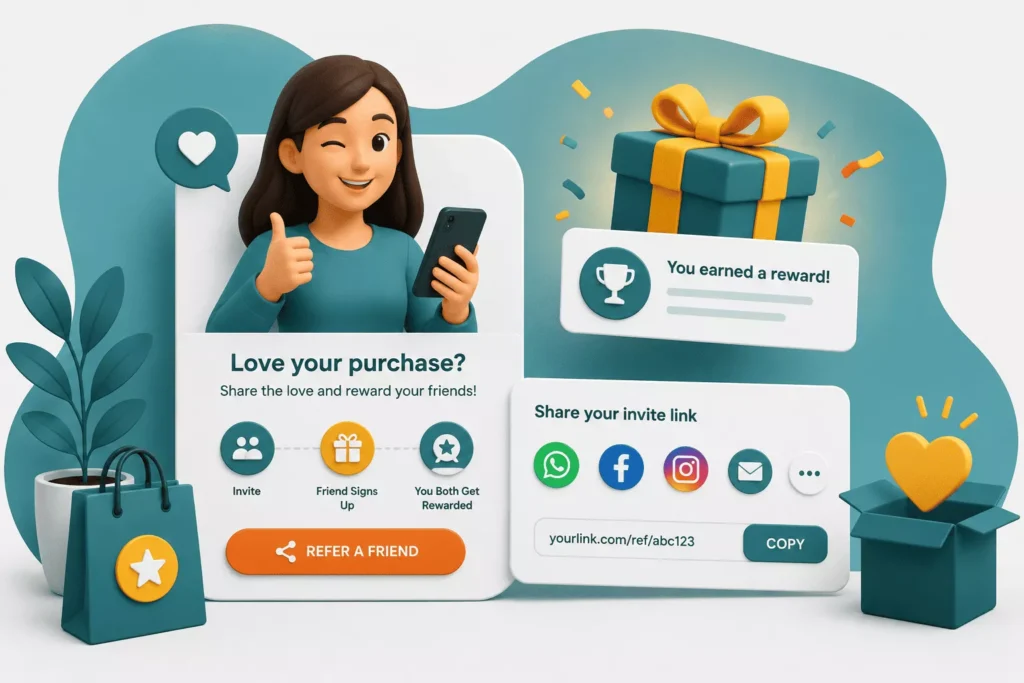
Referral programme emails perform best when sent at peak satisfaction moments – after a five-star review is submitted, after a second purchase, or after a customer tags the brand on social media. Sending referral emails to your entire list is the common mistake. The optimised approach targets customers who have demonstrated satisfaction.
- Trigger: 5-star review submitted, second purchase confirmed, or loyalty tier reached
- Make the benefit clear for both parties – discount for the referrer and the friend
- Keep the mechanics simple: one shareable link
14. Customer Birthday Email
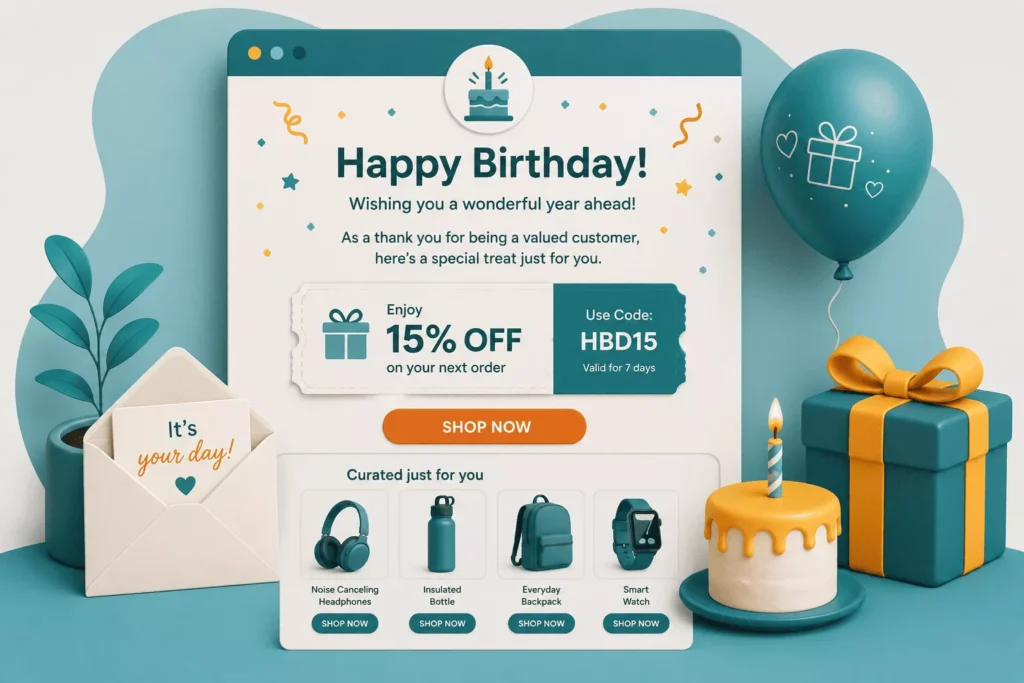
Birthday emails consistently punch above their weight. According to Omnisend’s 2025 eCommerce statistics, birthday automated emails produce an average order value more than four times higher than the typical store average – driven by the combination of personal timing and a compelling offer.
- Collect birth month or date at sign-up or via a profile completion prompt
- Send 3-5 days before the birthday to give time to use the offer
- Frame it as a gift, not a promotion: “A birthday gift from us” outperforms “Use code BDAY20”
- Set a 7-10 day expiry on the offer
Subject line examples: “Happy birthday [First Name] – your gift is inside” / “It’s your birthday week. Here’s something from us.”
15. Purchase Anniversary (First-Order Anniversary)
The anniversary of a customer’s first purchase is a meaningful touchpoint that virtually no competitor marks. It is an opportunity to celebrate the relationship and create a reason to purchase again.
- Send on the exact anniversary date (or within a ±3 day window)
- Reference the original purchase where possible
- Include a loyalty reward, exclusive discount, or early access offer
- Add a “here’s what’s new since you last visited” section if the catalogue has expanded
16. Win-Back Campaign (Re-Engagement of Lapsed Customers)
Customers who have not purchased in 90-180 days are considered at-risk lapsed customers. Win-back campaigns target this segment before they go fully dormant.
A three-email win-back sequence:
- Email 1 (Day 90 of inactivity): Soft re-engagement – “We miss you.” Show new arrivals or bestsellers.
- Email 2 (Day 105): Make an offer – percentage off next order, free shipping, or a bonus gift
- Email 3 (Day 120): Final outreach with a stronger offer or an honest message: “Is this goodbye?”
If no engagement after all three emails, move the customer to a suppressed segment. Continuing to send to permanently unresponsive contacts damages your sender reputation – a direct deliverability risk under Gmail’s 2024 bulk-sender enforcement.
17. Loyalty Milestone and Tier Upgrade Notification
For eCommerce brands with a loyalty or rewards programme, milestone emails – triggered when a customer reaches a new tier, earns a points threshold, or unlocks a benefit – are high-engagement touchpoints.
- Congratulate the customer in a celebratory, personalised tone
- Clearly explain what the new tier or benefit includes
- Show how far they are from the next tier to encourage continued engagement
- Include a curated product selection they can redeem points on
18. Business Anniversary Offer
A business anniversary email – when genuine – is an opportunity to share the brand’s story, thank loyal customers, and create an event around the milestone.
- Share a milestone: “We’ve just turned 10. Here’s what we’ve learned.”
- Segment and thank top customers (by lifetime value or order count)
- Make the offer meaningful – a larger-than-usual discount, a limited gift with purchase, or a charity donation on the customer’s behalf
The AI Revolution in Event-Based Email Marketing
The most significant development in eCommerce email since mobile optimisation is the integration of AI into automation platforms. In 2026, AI is not a premium add-on – it is standard in platforms like Klaviyo, Omnisend, and ActiveCampaign.
| AI Capability | Practical Impact |
| Predictive Send-Time Optimisation | Sends each email when that specific subscriber is most likely to open – based on historical engagement patterns |
| Churn Prediction | Identifies at-risk customers before they actually lapse, triggering win-back flows earlier |
| Predictive CLV Scoring | Scores each customer’s predicted lifetime value to enable high-value segmentation |
| Dynamic Product Recommendations | Generates personalised product blocks within emails based on purchase and browse history |
| AI Subject Line Generation | Predicts which subject line variant will perform best for a given audience segment |
| Engagement-Based Suppression | Automatically removes chronically unresponsive subscribers to protect deliverability |
AI-powered personalisation has been linked to a 41% revenue increase and a 13.44% improvement in CTR across email campaigns. This directly connects to why the top eCommerce marketing trends for 2026 consistently prioritise AI-driven lifecycle automation over mass broadcast strategies.
Choosing the Right Platform: 2026 eCommerce ESP Comparison
| Platform | Best For | AI Features | Shopify Native? | SMS Included? |
| Klaviyo | DTC & Shopify brands, rich first-party data | Predictive CLV, churn risk, send-time AI, content generation | Yes – deep integration | Yes |
| Omnisend | SMB eCommerce, multi-channel automation | Send-time optimisation, product picker | Yes | Yes |
| ActiveCampaign | Complex multi-step lifecycle, B2B+eCommerce hybrid | Autonomous AI agents, workflow optimisation | Via integration | Via add-on |
| Drip | eCommerce-only, boutique to mid-market | Behaviour-based segmentation, intent scoring | Yes | No |
Email + SMS Coordination: Combining Urgency and Context for Higher Conversions
One of the most significant performance insights from recent data is the compounding effect of combining email and SMS automation. Omnisend’s analysis of 150,000 eCommerce brands found that brands using both channels generate substantially stronger returns than those relying on email alone.
The key principle: email and SMS should not duplicate the same message. They handle different roles in the same trigger sequence.
- Email: depth, storytelling, product imagery, detailed information, sequential flows
- SMS: urgency, immediacy, time-sensitive alerts – cart expiry warnings, flash sale windows, back-in-stock notifications that need to land within minutes
A practical example: when a customer abandons a cart, Email 1 is sent at 1 hour, Email 2 at 24 hours, and a 2-hour-before-expiry SMS fires on the day Email 3 would send. The SMS creates urgency that email cannot; the email provides the context and detail SMS cannot hold.
This multi-channel approach mirrors the organic + paid + email strategy OLBUZ deploys for eCommerce brands – more on the full eCommerce marketing services approach here.
Deliverability and Privacy: What Changed and Why It Still Matters
Apple Mail Privacy Protection (MPP)
Since 2021, Apple Mail Privacy Protection pre-fetches emails, making open rates for Apple Mail users appear artificially high. Apple Mail now holds a 50%+ share of the email client market – meaning open rate data is unreliable as a standalone KPI. Shift your primary success metrics toward click rate, click-to-conversion rate, and revenue per email.
Gmail and Yahoo’s 2024 Bulk Sender Requirements
From February 2024, Gmail and Yahoo enforced new requirements for senders of over 5,000 emails per day: authenticated sending (SPF, DKIM, DMARC), one-click unsubscribe in all commercial emails, and a maximum spam complaint rate of 0.1%. Gmail’s spam filtering is now AI-personalised at the recipient level – inbox placement depends on each recipient’s engagement history with your domain. Sending to chronically disengaged subscribers now actively harms delivery for your engaged segments. Engagement-based suppression is a deliverability requirement, not a nice-to-have.
GDPR Compliance for Event Triggers
For brands marketing to the EU and UK:
- Browse abandonment emails require the subscriber to be a known, opted-in contact
- Birthday and anniversary emails require data collected with explicit consent for that purpose
- Always include a clear, functional unsubscribe mechanism in every automated email
Mobile Optimisation for Event-Based Emails: The Essential Checklist
Over 44% of marketing emails are opened on mobile devices. Every triggered email must be mobile-first, not mobile-adapted.
- ✓ Single-column layout for mobile – avoid two-column designs that collapse poorly
- ✓ Minimum 14pt font for body text; 18pt+ for headings
- ✓ CTA buttons minimum 44x44px tap target, full-width on mobile
- ✓ Compressed images below 100KB; use WebP where ESP supports it
- ✓ Preview text (preheader) customised per triggered email – not left as ‘View in browser’
- ✓ Subject line under 40 characters for reliable display on mobile lock screens
- ✓ Test every triggered email on both iOS Mail and Gmail Android before activating
Implementation Roadmap for eCommerce Teams
Phase 1: Foundation (Weeks 1-4) – High ROI, Moderate Complexity
- Welcome email sequence (sign-up + post-first-purchase)
- Abandoned cart 3-email sequence
- Order confirmation and post-purchase follow-up
- Back-in-stock notification
These four flows alone account for the majority of email-attributed revenue in most eCommerce stores. Build these first, test them thoroughly, then expand.
Phase 2: Growth (Weeks 5-10) – Medium ROI, Low to Medium Complexity
- Browse abandonment
- Price drop on wishlist
- Cross-sell recommendation (post-purchase Day 14)
- Birthday email
- Refer-a-friend (triggered post positive review)
Phase 3: Optimisation (Months 3-6) – Strategic, Higher Complexity
- Win-back sequence (lapsed customer re-engagement)
- Loyalty milestone notifications
- First-purchase anniversary
- SMS + email coordination for cart and urgency sequences
- AI-powered send-time personalisation enabled on all flows
For brands also running paid media, aligning these email flows with eCommerce Google Ads campaigns creates a closed-loop strategy that maximises return at every stage of the funnel.
Ready to Build a High-Converting Event-Based Email Programme?
Event-based email marketing is one of the highest-ROI investments available to eCommerce brands. The technology is accessible, the performance gap between brands that have implemented these triggers and those that have not is widening, and the data in 2026 has never been more clear.
Whether you are starting from scratch or auditing a programme that isn’t performing, OLBUZ works with eCommerce brands across industries to build, implement, and optimise event-driven email strategies that generate measurable revenue.Talk to OLBUZ About Your eCommerce Email Strategy Get a free consultation with our eCommerce marketing team. We’ll audit your current email programme and identify the highest-priority triggers for your business.
Frequently Asked Questions
Event-based email marketing is the practice of sending automated emails triggered by specific customer actions, milestones, or behaviours – such as signing up, abandoning a cart, making a purchase, or a birthday arriving. Unlike broadcast emails sent on a fixed schedule, triggered emails are sent in response to something the customer did or did not do, making them significantly more relevant and more likely to convert.
The terms are often used interchangeably, but event-based email is a subset of email automation. All event-based emails are automated – but not all automated emails are event-based. A monthly newsletter sent on a schedule is automated but not event-triggered. An abandoned cart email sent 1 hour after a specific customer leaves without purchasing is event-triggered automation.
Based on current benchmarks: abandoned cart emails deliver the highest recoverable revenue per campaign. Back-in-stock alerts carry the highest conversion rate at 6.46-6.72%. Welcome emails generate the highest open rates at 83.63%. Birthday emails produce the highest average order values. Post-purchase and cross-sell flows are the most consistent long-term revenue contributors.
A three-email sequence is the industry standard and consistently outperforms both single-email and five-email approaches. Email 1 at 1 hour: reminder with cart contents. Email 2 at 24 hours: social proof and product benefits. Email 3 at 72 hours: urgency or incentive. The sweet spot is enough persistence to recover the sale without triggering an unsubscribe.
No – and over-relying on discounts trains customers to abandon carts deliberately to wait for an offer. The highest-performing triggered email programmes use discounts strategically: in the third email of an abandonment sequence, in win-back campaigns, and for birthday emails. For browse abandonment, back-in-stock, new arrival, and cross-sell triggers, strong copy, social proof, and urgency are more effective long-term than discounting.
In 2026, Klaviyo leads for Shopify-integrated DTC brands due to its depth of first-party data, AI features, and eCommerce-specific automation templates. Omnisend is strong for SMBs seeking a cost-effective multi-channel option. ActiveCampaign suits brands with complex multi-step journeys or a B2B+eCommerce hybrid model. Drip is an eCommerce-exclusive option favoured by boutique and mid-market stores. The right choice depends on your platform (Shopify, WooCommerce, Magento), subscriber volume, and whether you intend to add SMS.
Apple Mail Privacy Protection pre-loads email images, causing opens to be recorded even when a subscriber has not actually opened the email. Since Apple Mail holds over 50% of the email client market, open rate data is significantly inflated for most senders. Shift your primary KPIs to click-to-open rate (CTOR), click rate, revenue per email, and conversion rate – metrics unaffected by MPP.
Start with four: welcome sequence, abandoned cart, post-purchase follow-up, and back-in-stock alerts. These four flows deliver the majority of triggered email revenue for most eCommerce brands. Add further triggers in phases once the foundations are tested and producing consistent results. Four excellent flows outperform fifteen mediocre ones every time.
Keyur Valand

Hey, I’m Keyur - a Performance Marketer passionate about helping brands grow through data-driven digital marketing strategies. I specialize in Google Ads, Meta Ads, and eCommerce performance campaigns, with a strong focus on scaling revenue, improving ROAS, and generating high-quality leads through smart and result-oriented marketing.
Contact Form Popup
Boost Your Business Now
This will close in 0 seconds
apply now popup
Apply Now
This will close in 0 seconds
Get free audit popup
Get Free Google Ads Account Audit Worth $999
This will close in 0 seconds
Contact page Form Popup
Contact Us
This will close in 0 seconds