
Let me ask you something honest.
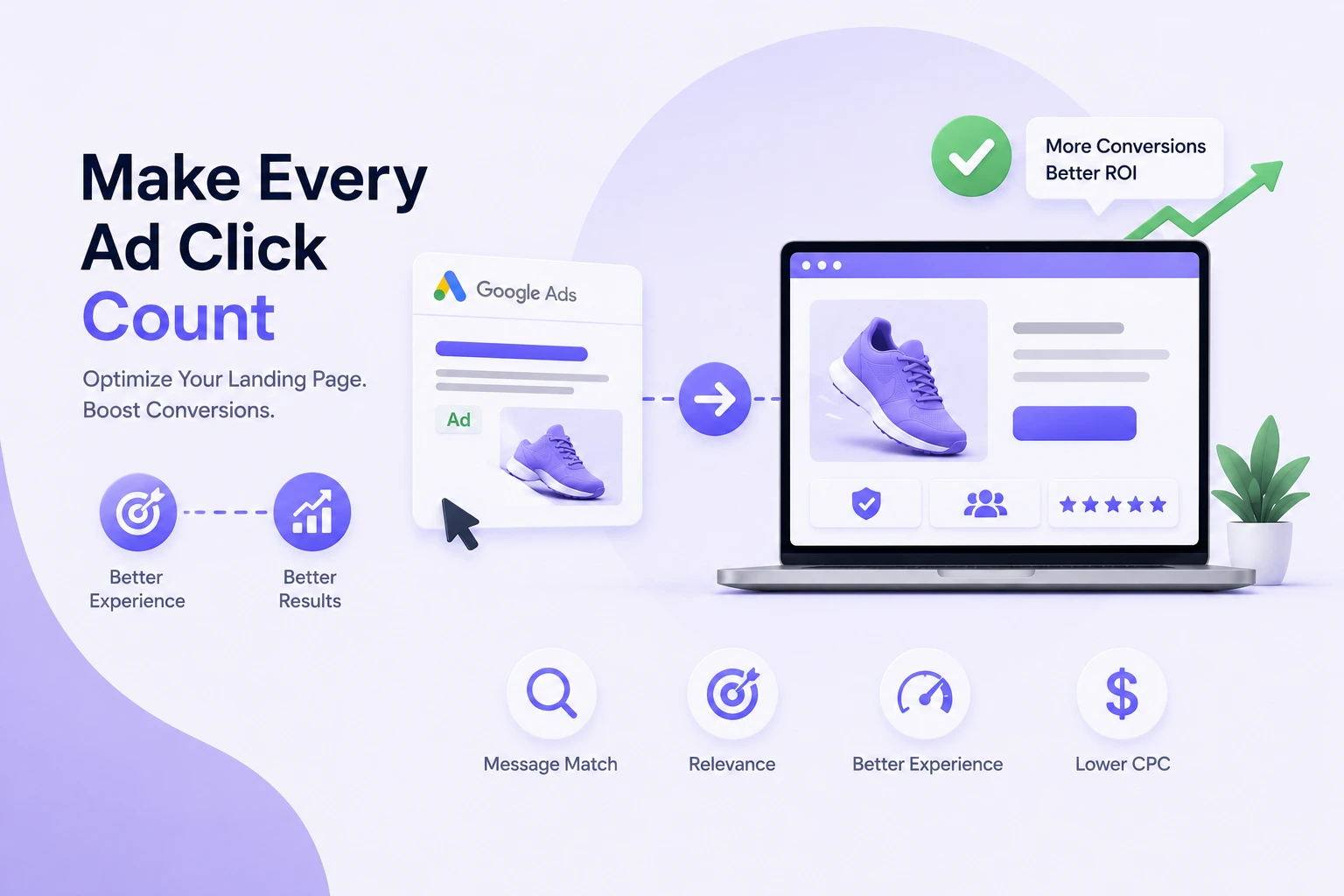
You have set up your Google Ads campaign. You picked the right keywords, written decent ad copy, and your CTR looks okay. But the conversions? Painfully low. And you are watching your budget disappear click by click, wondering what is going wrong.
Here is what nobody tells you early enough: the ad is just the handshake. The landing page is the conversation that actually closes the deal.
I have seen businesses spend lakhs on Google Ads and completely ignore what happens after the click. That is the real leak – not the ads, not the bidding strategy, not the keywords. It is the landing page.
A well-optimized landing page can help you get more value from the traffic you are already paying for. While results vary depending on industry, audience, offer, and competition, improvements in landing page relevance, user experience, and conversion pathways often contribute to stronger campaign performance and better lead quality.
| Better Landing Page Performance | Higher Lead Generation Potential | Improved User Engagement | Faster Mobile Experience |
These 15 proven landing page optimization techniques will help you turn more clicks into high-quality conversions
Tip 1 : Match Your Landing Page to Your Ad (Message Match)
Match Your Landing Page to Your Ad (Message Match)This is the big one. And it is the one most Google Ads advertisers get wrong.
Imagine you click an ad that says ‘HIPAA-Compliant IT Support for Healthcare – 24/7 Coverage. You land on a page that says ‘Welcome to Acme Technology Solutions – Your Partner for IT Excellence. Your brain registers a disconnect in milliseconds. Bounce rate spikes. Conversions tank.
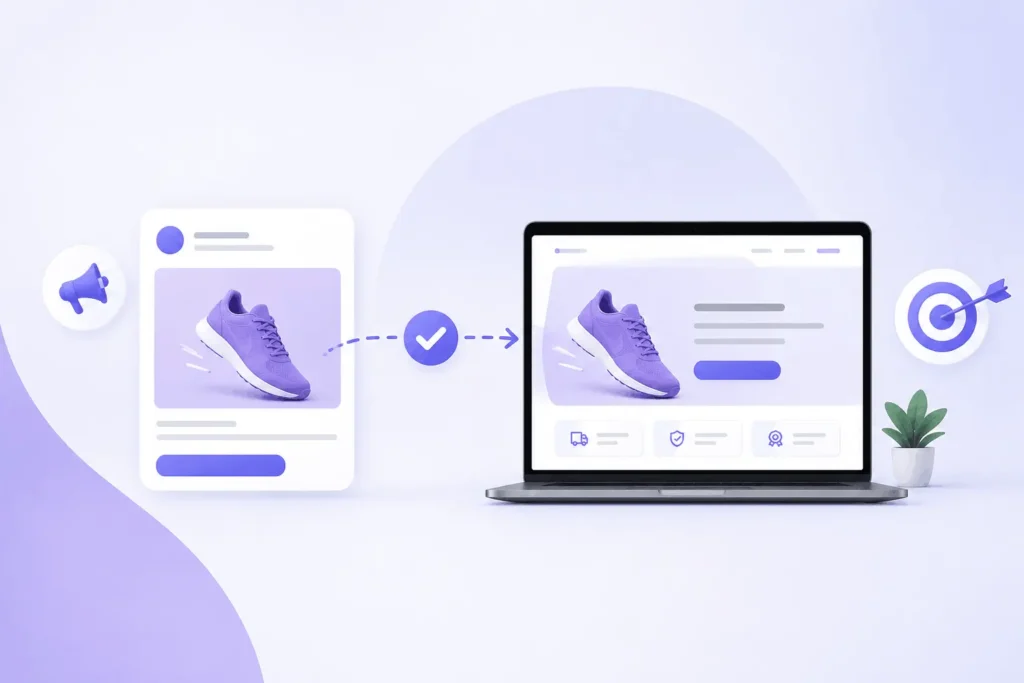
Message match means the headline, offer, and tone of your landing page directly mirrors what your ad said. Not kind of mirrors it – exactly mirrors it. This also directly improves your Landing Page Experience score in Google Ads, which lowers your CPC.
- Use the same keyword from your ad in your H1 headline
- Repeat the specific offer word-for-word above the fold (e.g. ‘30% Off’ in the ad = ‘30% Off’ on the page)
- Match emotional tone – if the ad is urgent, the landing page should feel urgent too
- Use UTM parameters in your destination URLs to track which ad groups are driving conversions
Tip 2 : Understand How Your Landing Page Affects Quality Score
Google assigns a Quality Score (1-10) to every keyword you bid on. A higher score means lower CPC and better ad position. Your landing page directly influences this through Landing Page Experience – one of the three Quality Score components.
Google evaluates: relevance of page content to the ad and keyword, page load speed on mobile, ease of taking the intended action, and transparency (privacy policy, contact info, no deceptive content).
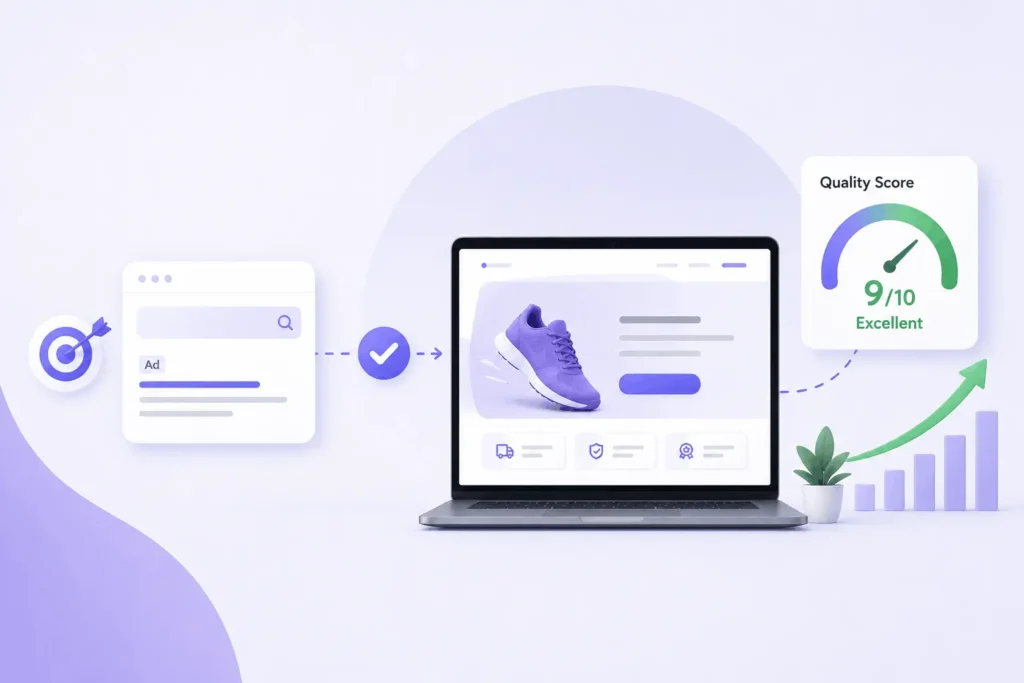
- Quality Score 8-10 (Excellent): Indicates strong alignment between keywords, ads, and landing pages.
- Quality Score 5-7 (Average): Opportunities may exist to improve relevance and user experience.
- Quality Score 1-4 (Below Average): Review keyword targeting, ad messaging, and landing page experience for optimization opportunities.
- Review Quality Score, Expected CTR, Ad Relevance, and Landing Page Experience within the Keywords section of Google Ads to identify optimization opportunities.
- Use the Search Terms Report to identify exact queries and ensure your page matches them
Tip 3 : Speed Up Your Page Load Time
Page speed is one of the single biggest conversion killers in paid search. As page load time increases from 1 second to 10 seconds, the probability of a mobile visitor bouncing increases 123%. And as the number of page elements increases, the probability of conversion drops by up to 95%.
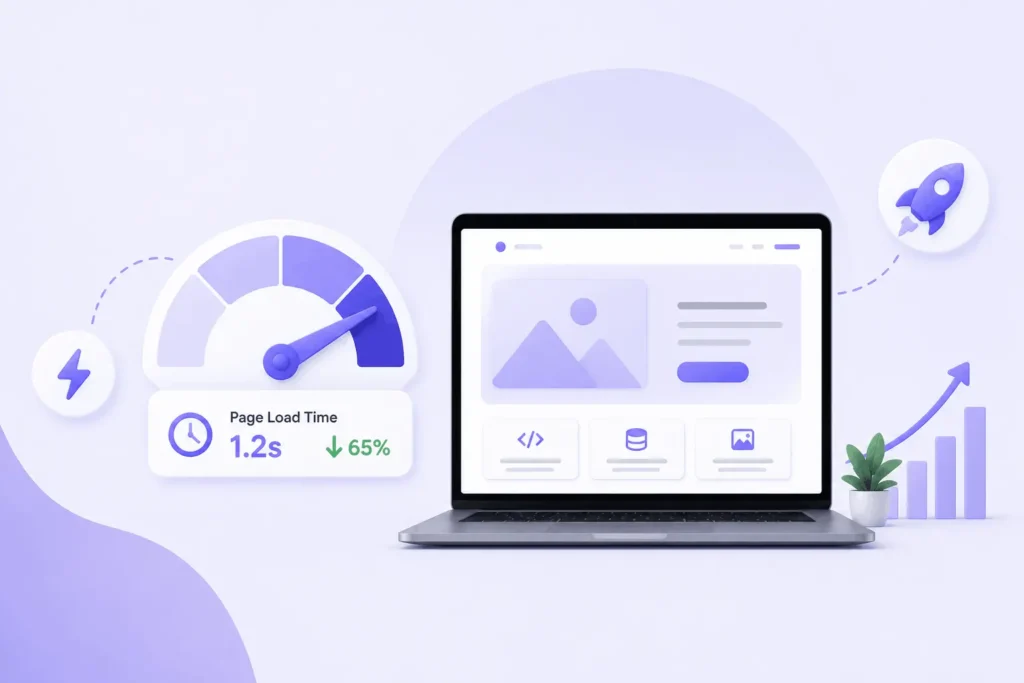
Less stuff on the page. Faster load. More conversions. Counterintuitive but proven.
Target under 2.5 seconds on mobile – that is Google’s Core Web Vitals benchmark for Largest Contentfull Paint (LCP). Slow pages also hurt your Ad Rank, because Google factors page experience into auction decisions.
- Convert images to WebP or AVIF format – massive file size reduction with no visual loss
- Minify CSS, JavaScript, and HTML files
- Use a CDN (Content Delivery Network) for faster global delivery
- Lazy load images that are below the fold
- Remove unused third-party scripts: chat widgets, social embeds, and extra tracking pixels
- Run Google Page Speed Insights and fix every ‘red’ item – especially on mobile
- Use Google Tag Manager to manage your pixels without adding page weight manually
Tip 4 : Design for Mobile First – Not Just Mobile-Friendly
In many industries, a significant share of paid search traffic comes from mobile devices. However, device behavior can vary based on industry, audience, and buying journey. Reviewing your Google Ads device reports can help determine how your users interact with your landing pages and where optimization efforts should be focused.
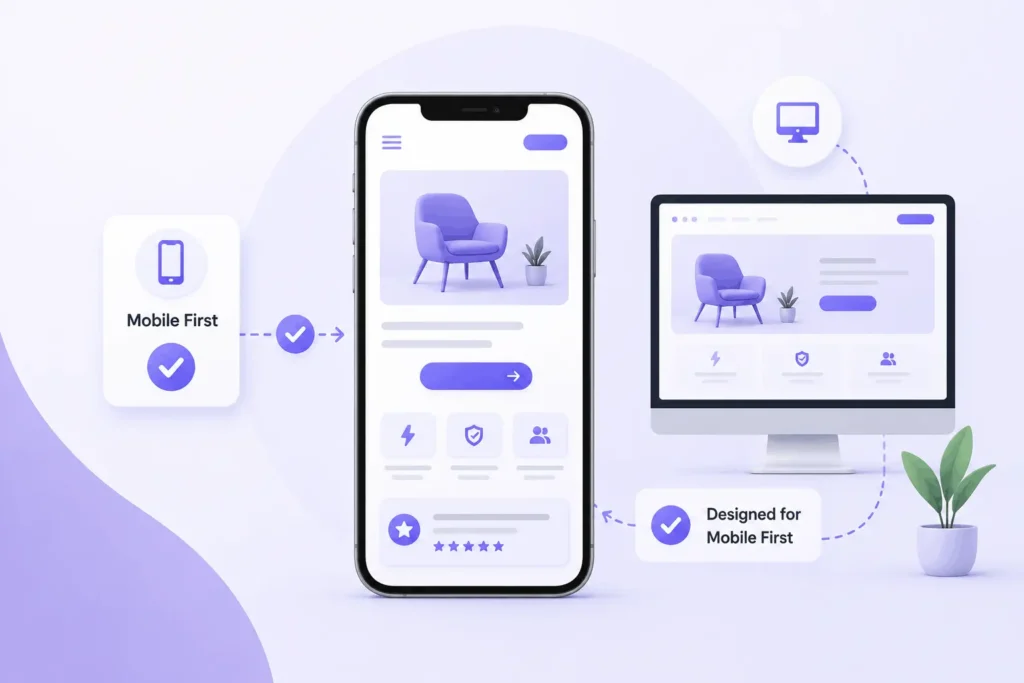
Mobile-first means you design the mobile experience first, then scale up to desktop – not the reverse.
- Large, thumb-friendly CTA buttons – minimum 48x48px tap targets
- Short paragraphs: 2-3 sentences maximum on mobile
- Sticky CTA bar that follows the user as they scroll down the page
- Click-to-call buttons for service businesses (especially effective for local PPC campaigns)
- Form fields optimized for phone keyboards – use correct input types (email, telephone number)
- Test on an actual phone, not a simulator – walk through the conversion flow yourself
- Check Google Ads > Devices report to see mobile vs desktop conversion rates and adjust bids accordingly
Tip 5 : Write a Headline That Converts in 5 Seconds
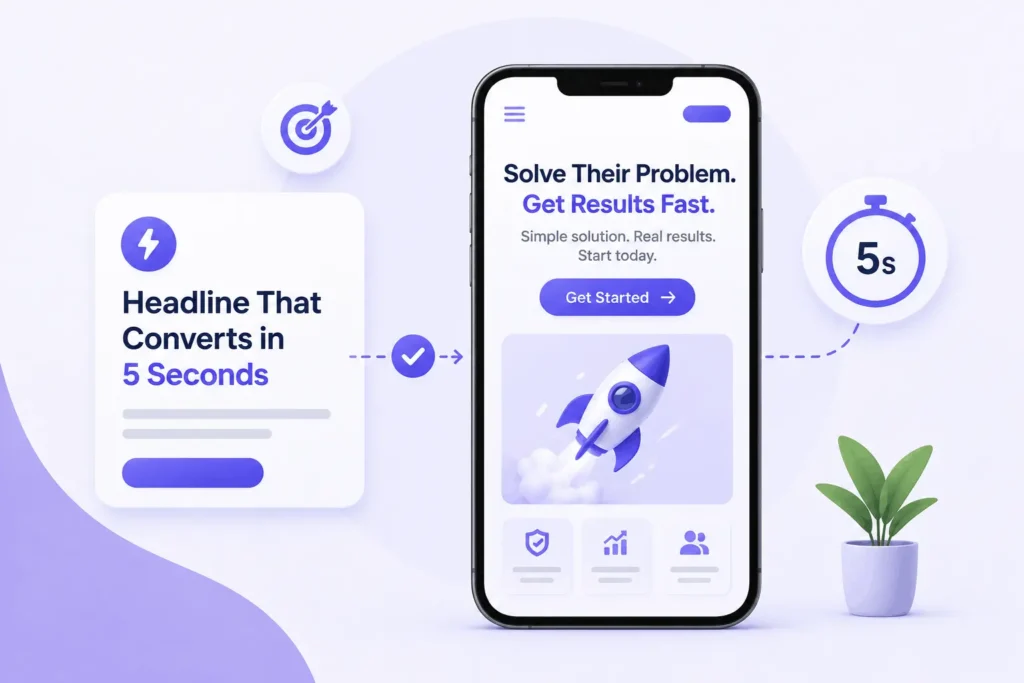
The 5-second rule: a visitor should understand exactly what you offer and why it matters within 5 seconds of landing on your page. Your headline is the most important element in passing this test.
High-performing PPC landing page headlines are under 8 words. They lead with the outcome, not your brand name. Nobody cares about your company name when they first arrive – they care about what they are going to get.
- Formula: [Outcome] + [Timeframe] + [Differentiator]
- Example: ‘Get HIPAA-Compliant IT Support in 4 Hours or Less’
- Example: ‘Free Website Audit – See Exactly What is Hurting Your Google Ads’
- Never start with ‘Welcome to’ or your company name
- Match the headline to your Ad Group theme – not a generic company tagline
- A/B test headline variants and track conversion rate and bounce rate per variant in Google Analytics
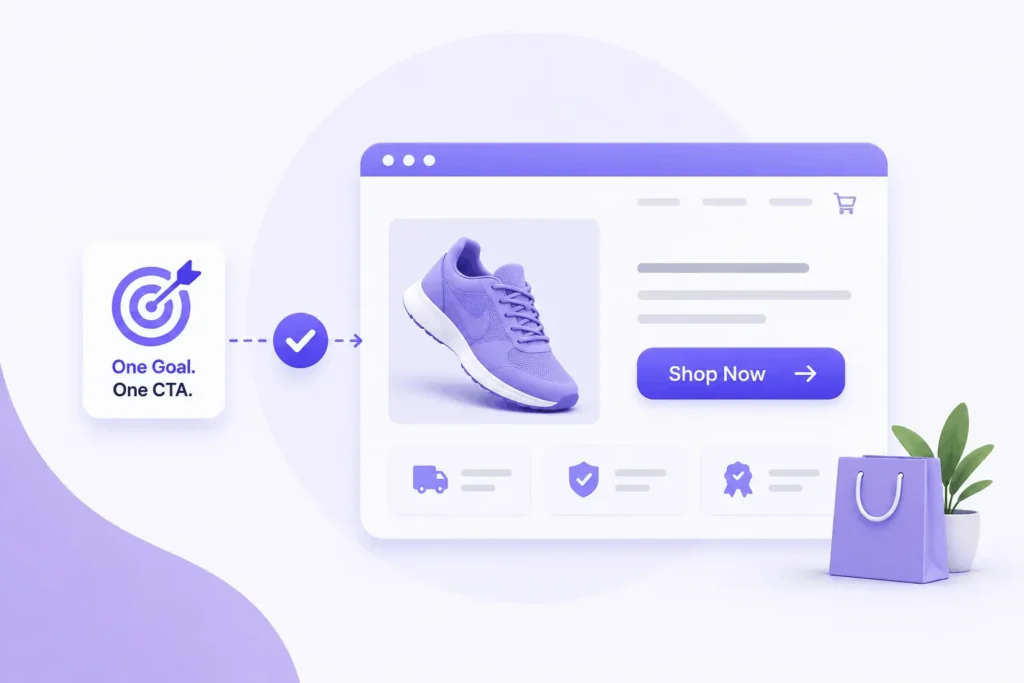
Tip 6 : One CTA. Just One.
While some businesses may offer multiple conversion options such as form submissions, phone calls, or live chat, one primary CTA should receive the greatest visual emphasis and attention.
Your CTA must match the intent suggested by your Google Ad. If your ad says ‘Book a Free Consultation’ and your landing page CTA says ‘Contact Us’ – that friction costs you conversions.
- Use first-person language: ‘Get My Free Audit’ converts better than ‘Get Your Free Audit’
- Be specific: ‘Start My 14-Day Free Trial’ beats ‘Sign Up’
- Use action-outcome format: what they do + what they get
- Add micro-copy under the button to reduce anxiety: ‘No credit card required. Cancel anytime.’
- Match CTA copy to your ad’s call-to-action extension if you use them in Google Ads
- Repeat the CTA at the bottom of the page after social proof
- Test button color – it should contrast sharply with the rest of the page
Tip 7 : Kill the Navigation Bar
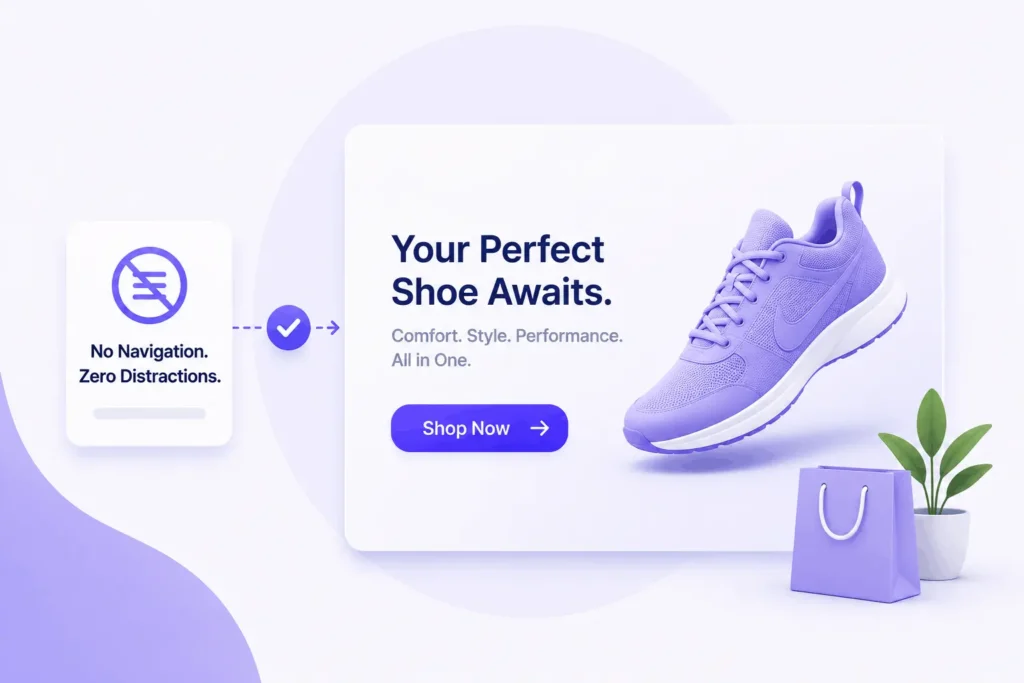
This feels wrong when you first hear it. But removing navigation from a landing page routinely lifts conversion rates by 10-30% in A/B tests. It is not magic – it is removing the exit ramps.
When someone clicks your Google Ad, they have high intent. Every link in your navigation is an invitation to wander off and never come back. Your About page, your blog, your careers section – none of that helps convert this visitor.
- Remove the main navigation header entirely
- Remove footer links to other pages (keep only privacy policy and contact if needed)
- Remove social media icon links – those pull people completely off your page
- Remove sidebar content and related posts widgets
- Dedicated landing pages also allow cleaner A/B testing without affecting your main website
- If your current setup sends all paid traffic to the homepage – fix this before anything else
Tip 8 : Build Trust with Social Proof
People do not trust generic landing-page copy. They have been burned too many times. What they trust is what other real people say about you.
For Google Ads campaigns, trust signals are especially important because visitors often arrive with no prior brand awareness – they just clicked an ad. You need to build credibility fast.
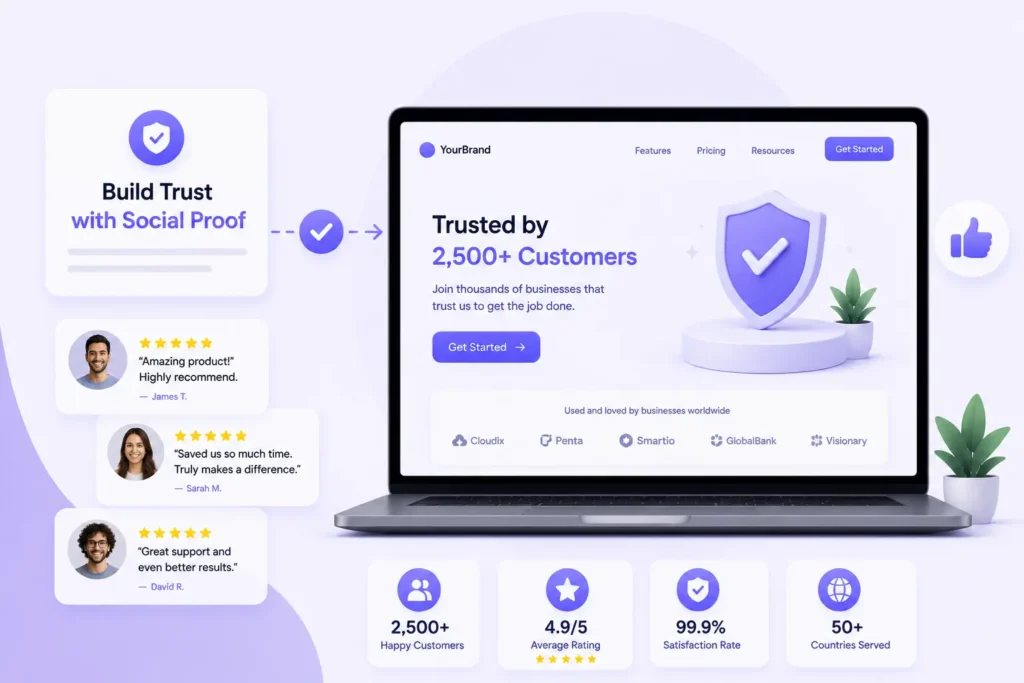
- Customer testimonials: include name, photo, job title, company – ‘Great service!’ does not convert; specific results do
- Case studies with real numbers: ‘Increased leads by 312% in 60 days’ is powerful
- Star ratings and review counts from Google Reviews, G2, Trustpilot, or Capterra
- Recognizable client logos: a strip of brands people know is instant credibility
- Press mentions: ‘As seen in Forbes, Inc., Economic Times’
- Trust badges: SSL certificate, money-back guarantee, Google Partner badge
- Number of customers or transactions: ‘Trusted by 12,000+ businesses across India’
- Seller ratings in Google Ads (tied to Google Reviews) can display directly in your ad – build reviews actively
Tip 9 : Use Real Visuals and Video
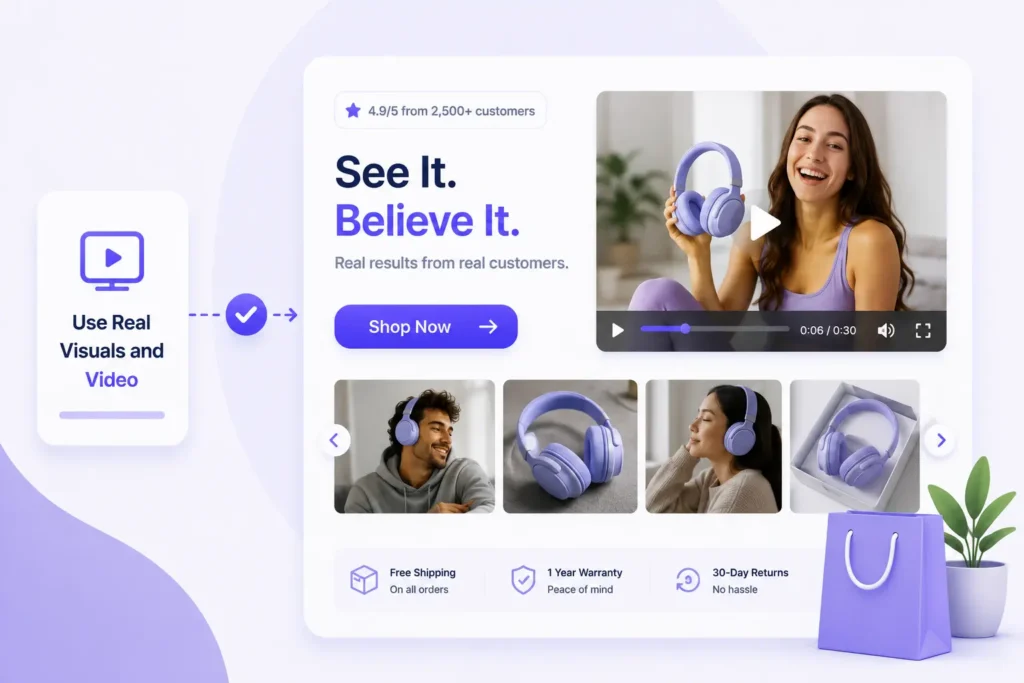
Stock photos of people shaking hands in glass offices signal that nothing else on the page is genuine either. Visitors recognize generic stock photography immediately – and it erodes trust.
Pages with video convert up to 86% higher. If you have not added video to your landing page, this might be the single biggest quick win available to you right now.
- Use real photos of your product, your team, or actual customers using your product
- A 60-90 second explainer video above the fold works especially well for complex offers
- Screenshots of your software dashboard or platform if you are selling SaaS
- Before/after visuals for service businesses, agencies, or transformation-oriented products
- Compress all images to WebP format before uploading – a beautiful image that adds 3 seconds to load time is not worth it
- Align all visuals with the specific ad campaign theme – not generic brand imagery
Tip 10 : Shrink Your Lead Capture Forms
Every field in your form is friction. Friction costs you conversions. Reducing form fields from ten to three often doubles form completion rates overnight.
Consider the role each field plays in your sales process.
Include qualification fields when they genuinely help identify suitable prospects, but avoid requesting information that is not immediately useful for the next stage of engagement.
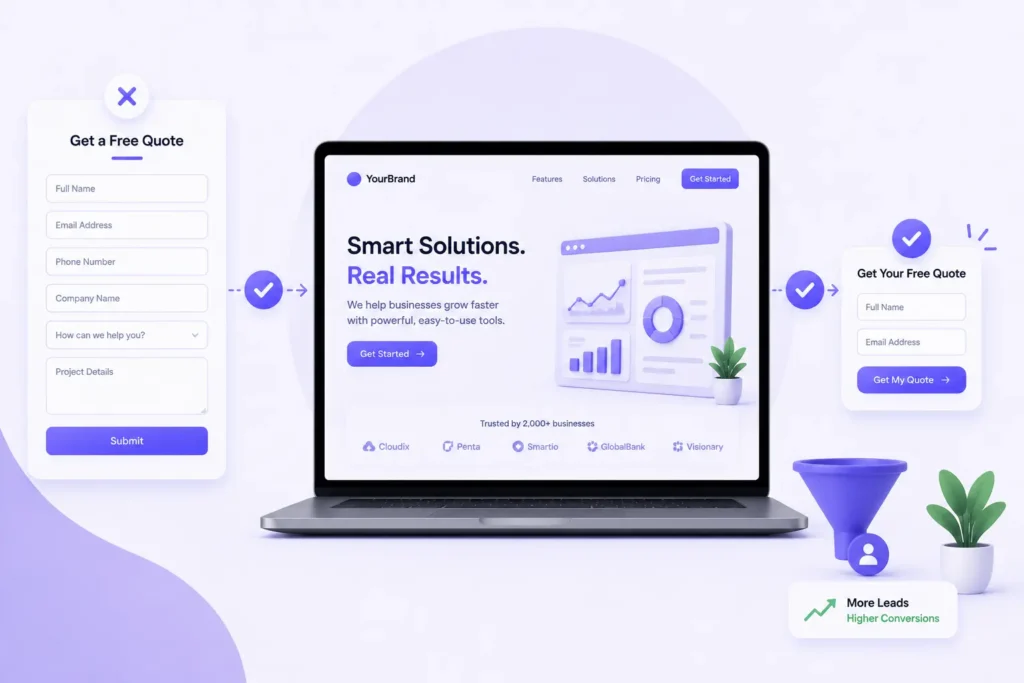
- Top-of-funnel lead magnet: Name + Email is enough
- Consultation booking: Name + Email + One qualifying question
- High-ticket B2B: Name + Email + Company + Phone (only if you will actually call same day)
- Multi-step forms reduce perceived burden – ‘Step 1 of 2’ feels easier to start
- Use inline validation so errors show immediately, not on submission
- Add a privacy note under submit: ‘We never spam. Your data is safe with us.’
- Track form abandonment in Google Analytics 4 using funnel exploration – see exactly which field people drop off at
Tip 11 : Create a Dedicated Page per Ad Group
Sending all your Google Ads traffic to one generic landing page is like giving every patient the same prescription. It does not work. Different ad groups represent different search intents. ‘Accounting software for restaurants’ and ‘accounting software for retail’ are both accounting software – but those users have completely different problems. One page cannot speak powerfully to both.
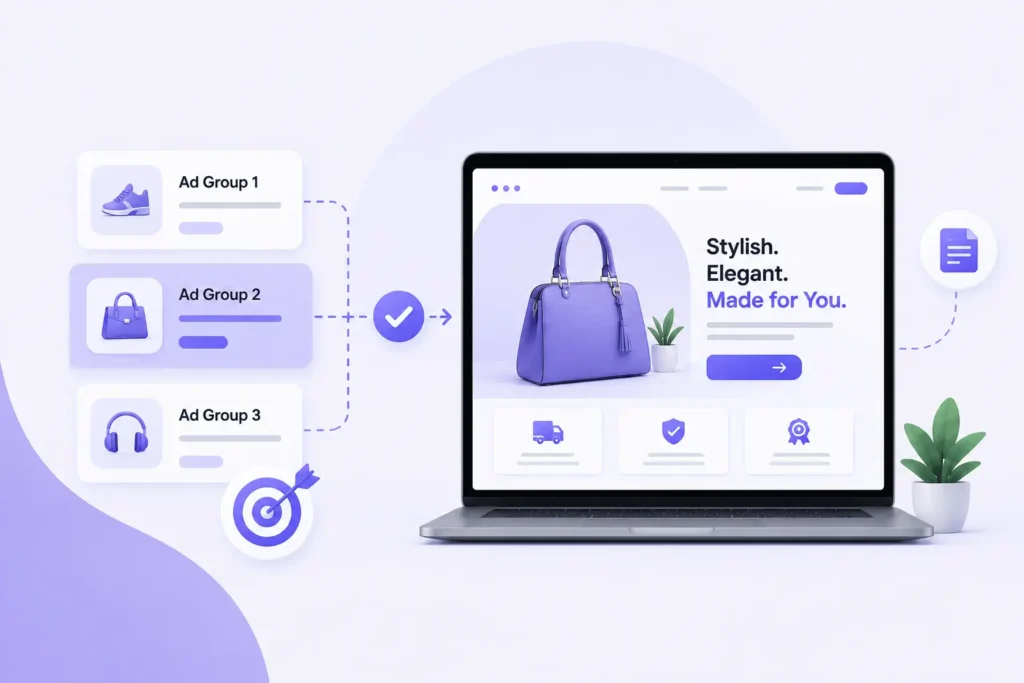
This is also one of the most effective ways to improve Quality Score across multiple campaigns simultaneously – each page becomes more relevant to its corresponding ads.
- Build one landing page per campaign theme or ad group
- Tailor the H1 headline, hero visual, and CTA copy to each specific audience
- Use URL parameters and UTMs to track which landing page converts best by ad group
- Tools like Unbounce, Instapage, and Landingpage make building multiple variants scalable
- Brands with 10+ landing pages generate 55% more leads than those with fewer than 5
- Use Google Ads Experiments to direct traffic splits between two landing page URLs at campaign level
Tip 12 : A/B Test – And Do It Properly
Your intuition about what will convert better is probably wrong. ‘Obviously better’ headlines lose to clunky ones. Minimal designs beat polished agency work. You do not know until you test.
Test one variable at a time. Always one. The moment you change the headline and button color and hero image simultaneously, you have no idea which change made the difference.
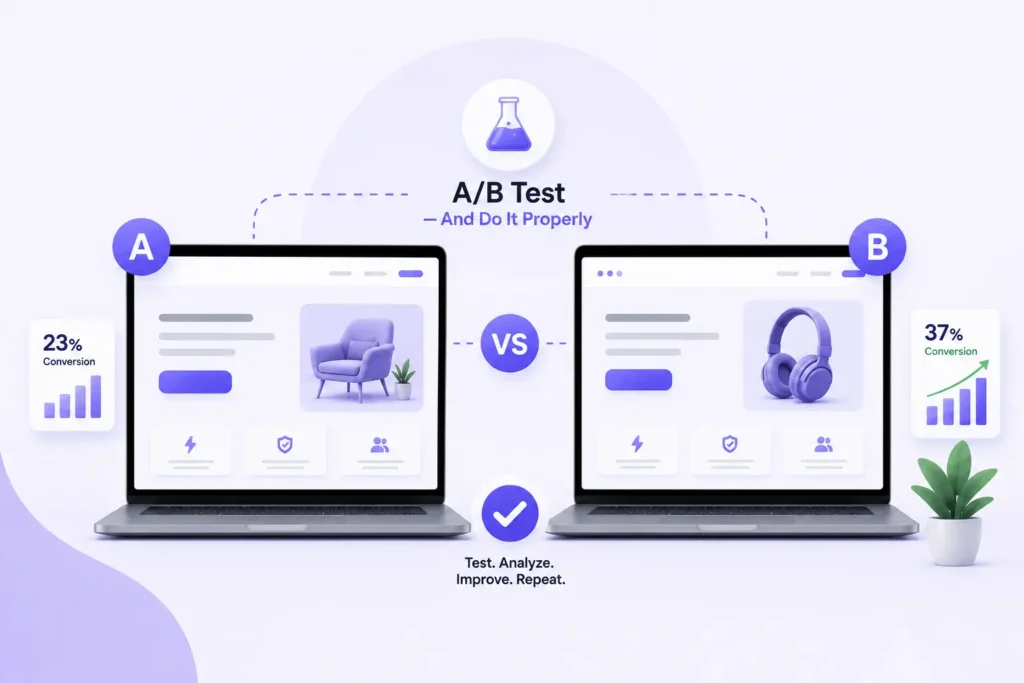
- Test in this order of impact: Headline copy, CTA button text and color, Hero image vs video, Form length, Social proof placement, Page layout
- Use Google Ads Experiments for clean traffic splits between two landing page URLs
- Use Unbounce, VWO, or Google Optimize for page-level A/B tests
- Wait for 95% statistical confidence before declaring a winner – never stop after 3 days or 50 conversions
- Track results in Google Analytics 4 using custom events and conversion funnels
- Run 2-3 tests per month and document every result – even losing variants teach you something
Tip 13 : Create a Dedicated Page per Ad Group
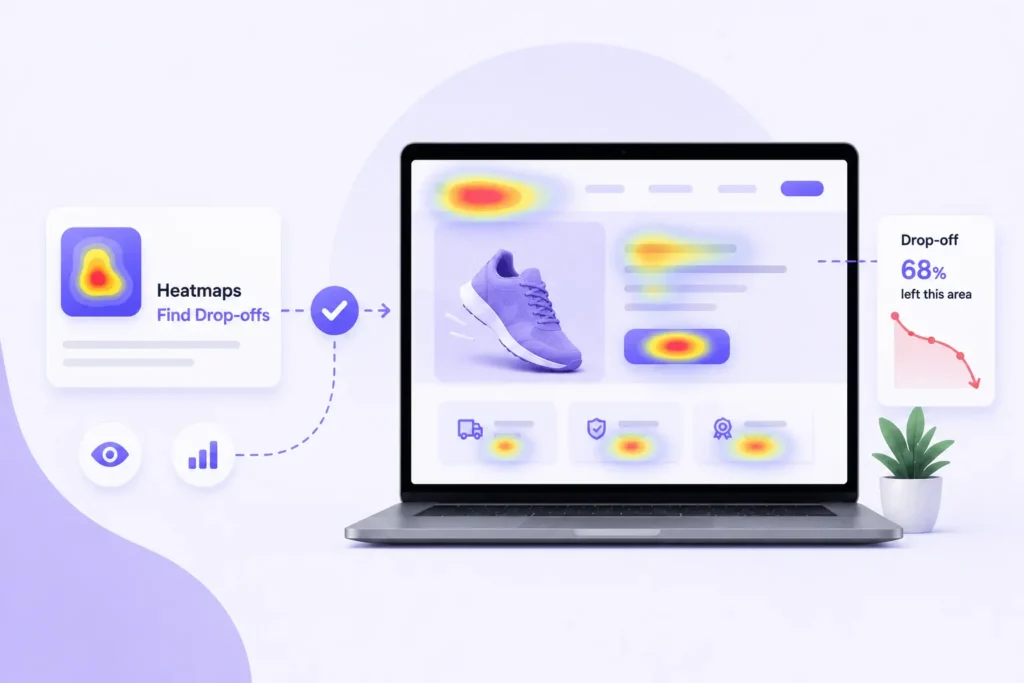
Your Google Analytics data tells you that people are bouncing. Heatmaps and session recordings tell you exactly what is wrong and where.
Watch at least 20 session recordings of real users on your landing page. You will see things that surprise you – people clicking on images they think are buttons, rage-clicking on elements that do not work, scrolling past your CTA without noticing it.
- Hotjar or Microsoft Clarity (free): click heatmaps, scroll depth maps, session recordings
- Google Analytics 4: bounce rate, time on page, conversion funnel drop-offs
- Scroll depth maps: find out what percentage of visitors actually reach your CTA
- Bounce rate above 70% = red flag requiring immediate investigation
- Average time on page under 30 seconds = message match or load speed problem
- Rage clicks on a non-clickable element = fix the UI confusion immediately
- Connect GA4 with Google Ads to see which campaigns drive the highest quality landing page sessions
Tip 14 : State Your Value Proposition Above the Fold
Your value proposition answers the one question every visitor asks the moment they arrive: ‘Why should I stay here instead of hitting back?’
It needs to be above the fold – visible without any scrolling – and immediately compelling. A vague tagline like ‘We help businesses grow’ is not a value proposition. It is a placeholder.
For PPC specifically, your value proposition must also match what the user expected based on the ad they clicked. Misalignment between the ad promise and page value prop is one of the top reasons paid traffic bounces immediately.
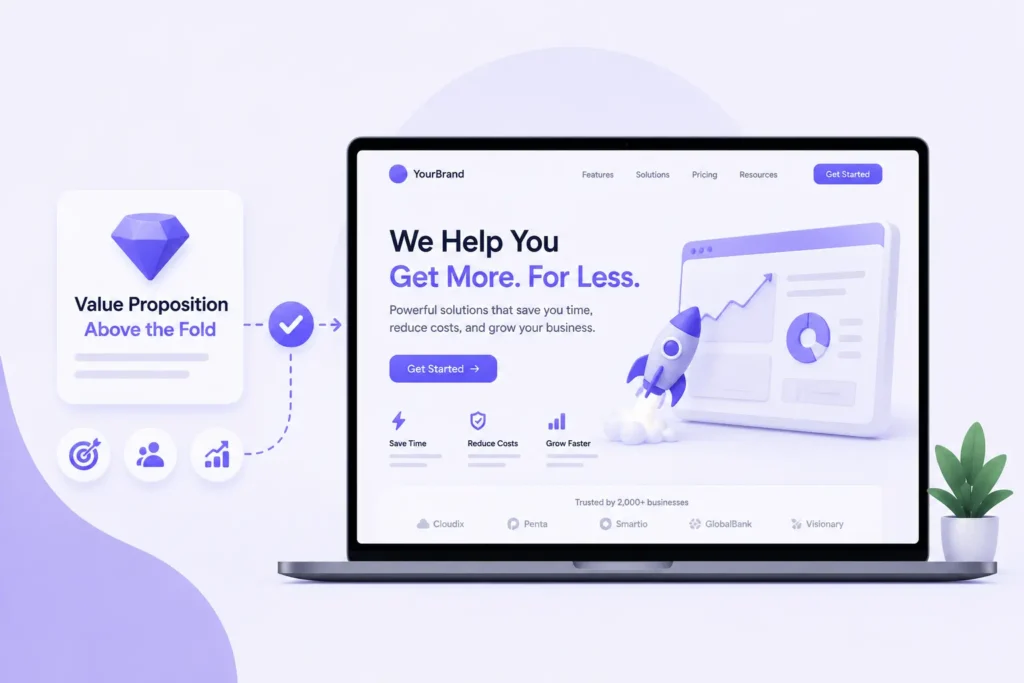
- Clearly answer: What do you offer? Who is it for? Why is it better than alternatives?
- Use a fill-in-the-blank structure: ‘We help [specific audience] achieve [specific outcome] without [common frustration]’
- Pair your headline with a supporting sub headline that adds specificity
- Follow immediately with a CTA that makes the next step obvious and low-risk
- Never bury your value proposition below testimonials or feature lists
Tip 15 : Use Dynamic Text Replacement (DTR)
Dynamic Text Replacement is the most advanced tip on this list – and one of the highest-impact for anyone running campaigns across multiple keyword themes. DTR automatically swaps words on your landing page based on the exact search term that brought someone there.
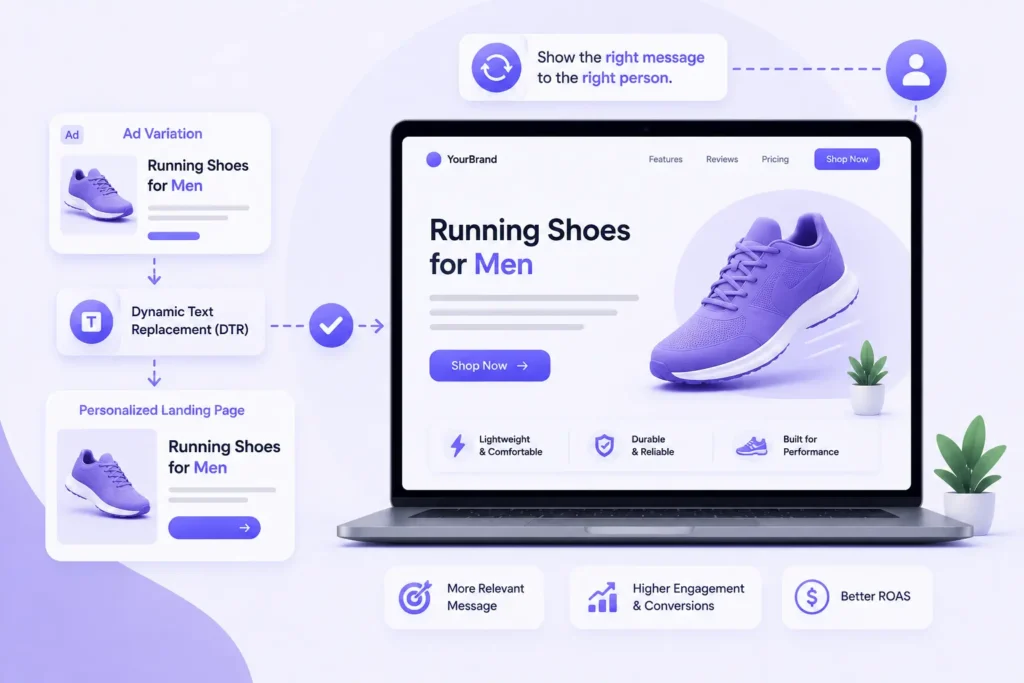
If someone searches ‘affordable CA in Ahmedabad,’ your headline automatically reads ‘Affordable CA in Ahmedabad – First Consultation Free.’ If they searched ‘best chartered accountant near me,’ it reads that instead.
This is the most surgical form of message match available – and it dramatically improves relevance at scale without building hundreds of individual pages.
- Supported natively by Unbounce, Instapage, and Webflow via URL parameters
- Works by passing UTM parameters or custom parameters from your Google Ads campaign URLs
- Particularly powerful for broad match keyword sets and location-based campaigns
- Improves Landing Page Experience score, Quality Score, and perceived personalization
- Alternative if DTR feels too technical: build separate pages per ad group (manual version of the same principle)
- Use Google Ads {keyword} insertion in ads + DTR on the landing page for maximum message match across the full funnel
Pre-Launch Landing Page Checklist
Run through this before any landing page goes live for a Google Ads campaign:
- Headline matches the ad copy and keyword exactly
- Value proposition visible above the fold without scrolling
- Page loads in under 2.5 seconds on mobile (tested on a real device)
- Single CTA – no competing links or navigation
- Form has 3 fields or fewerAt least one strong trust signal visible above the fold
- Mobile tested on an actual smartphone, not just DevTools
- Conversion tracking is firing correctly in Google Tag Manager
- UTM parameters set correctly for all destination URLs in Google Ads
- A/B test is set up for at least one key element
- Heatmap tool (Hotjar or Microsoft Clarity) is installed
- No navigation bar or external links that pull visitors away
- Privacy policy link present (required for Google Ads compliance)
- Ad preview checked – what does the page look like immediately after clicking the ad?
Conclusion
Landing page optimization is an ongoing process of improving user experience and reducing friction after the ad click. By focusing on relevance, page speed, mobile usability, trust signals, and clear calls-to-action, you can create landing pages that better support your Google Ads campaigns and drive more meaningful results. Regular testing and data-driven improvements will help you maximize the value of your advertising investment over time.
Pooja Dharsenda

As a Jr. PPC Executive, I create and optimize Google Ads and Bing Ads Campaigns that deliver measurable results. From campaign setup and audience targeting to ongoing optimization and reporting, I help businesses maximize their advertising investment.


Contact Form Popup
Boost Your Business Now
This will close in 0 seconds
apply now popup
Apply Now
This will close in 0 seconds
Get free audit popup
Get Free Google Ads Account Audit Worth $999
This will close in 0 seconds
Contact page Form Popup
Contact Us
This will close in 0 seconds