
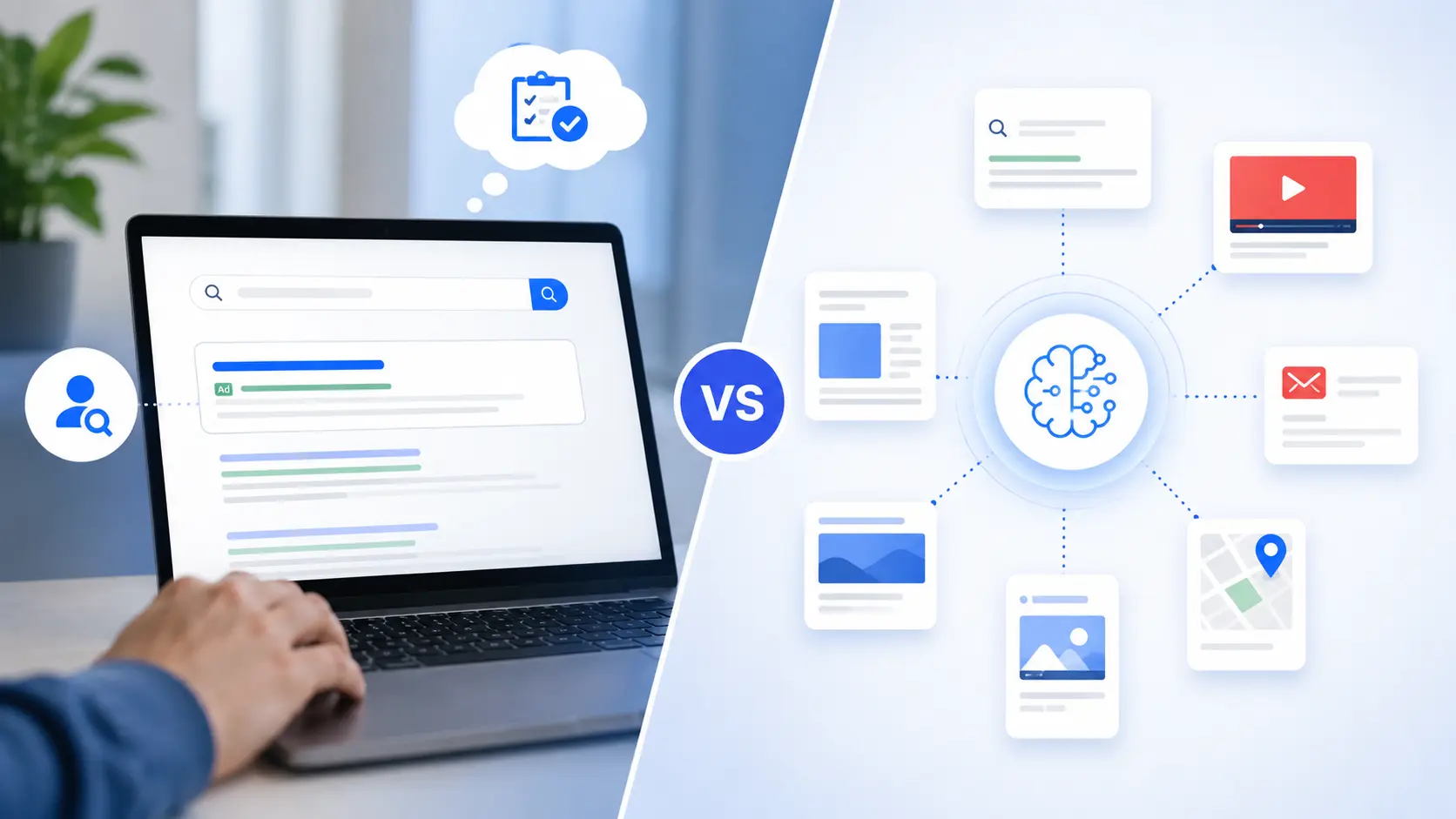
If you manage B2C lead gen on Google Ads, you have probably hit this exact fork in the road: Google keeps nudging you toward Performance Max, but your gut says Search is still where your best leads come from.
You are not wrong to hesitate. This is one of the most common calls B2C advertisers are making right now, and the answer is not the same for every business or budget. Performance Max promises reach across Search, Display, YouTube, Gmail, Maps and Discover from a single campaign. Search promises something different – control. You pick the keywords, write the message, and decide exactly who sees your ad.
For B2C – insurance quotes, home services, real estate inquiries, salon or clinic bookings – this choice is not academic. It shapes your cost per lead, your lead quality, and how much hands-on management your account actually needs and 2026 has made both sides moving targets.
Google is folding AI deeper into Search through what it calls AI Max, and Performance Max has picked up real transparency features this year. Before comparing the two, it is worth knowing what’s actually changed.
| Real Head-to-Head Comparison | B2C Lead Quality Focus | Budget Allocation Framework | When to Combine Both |
What’s Changed in 2026
Google’s AI Max for Search went fully live in April 2026 after a long beta. It is not a new campaign type – it is an AI layer added to your existing Search campaigns that expands keyword matching, writes ad copy, and picks landing pages using signals from your whole site, not just your keyword list.
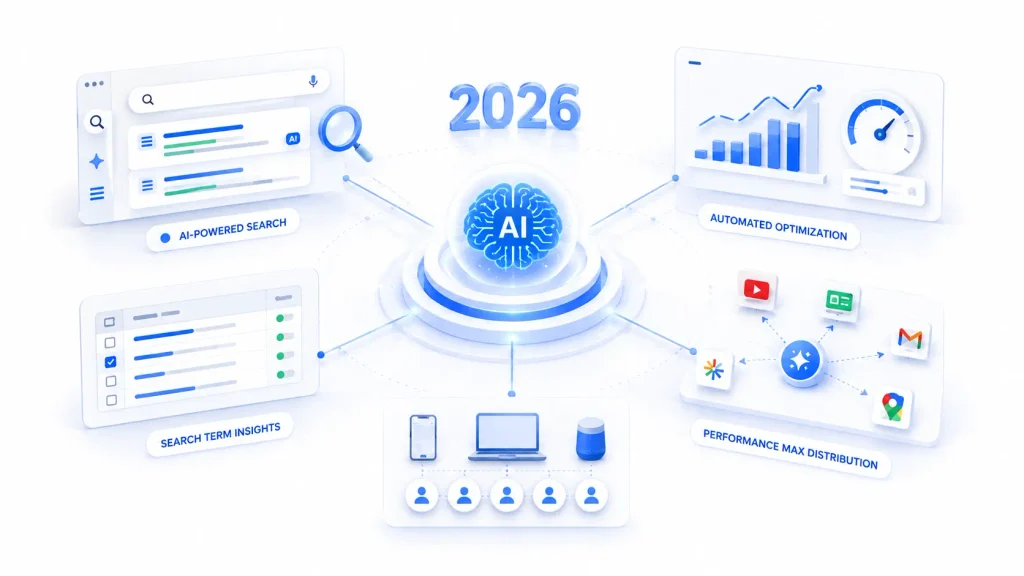
Two deadlines matter here. From September 2026, campaigns using Automatically Created Assets or campaign-level broad match auto-upgrade to AI Max. Dynamic Search Ads get more runway – Google pushed that migration to February 2027 after advertiser pushback.
Performance Max, meanwhile, finally picked up features advertisers have asked for: campaign-level negative keywords, channel-level budget reporting, first-party audience exclusions, and structured asset experiments. None of this makes PMax as transparent as Search, but the control gap is smaller than it was a year ago.
What to Do About It Now
Review your Search settings before Google auto-upgrades them, and if you are already on Performance Max, switch on the new negative keyword and audience exclusion controls – they address the lead-quality issues covered further down.
How the Two Campaign Types Actually Differ
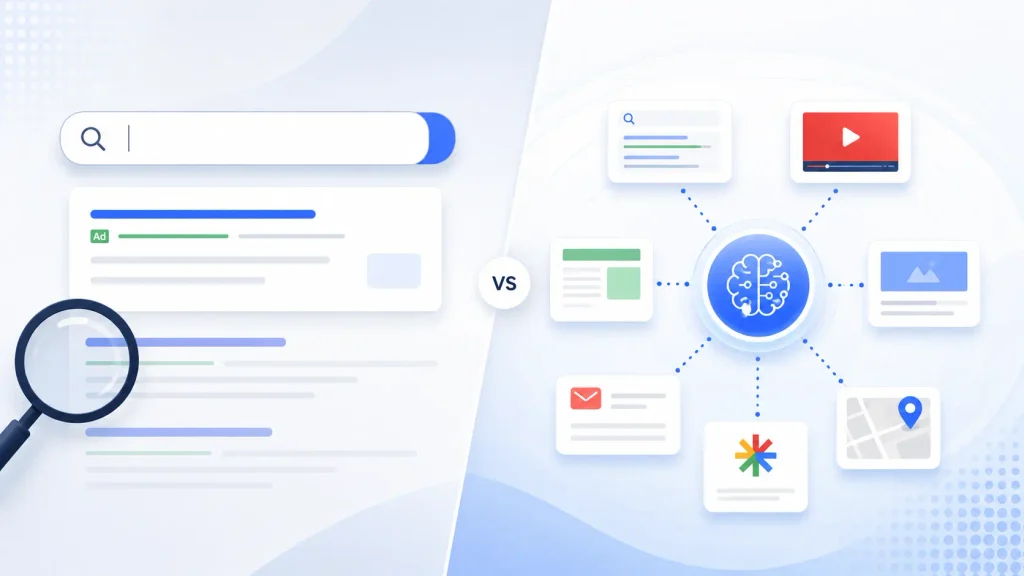
Search campaigns show text ads when someone’s query matches your chosen keywords. You control the keywords, match types, copy, and bids – it is a demand-capture format built for people who are already looking.
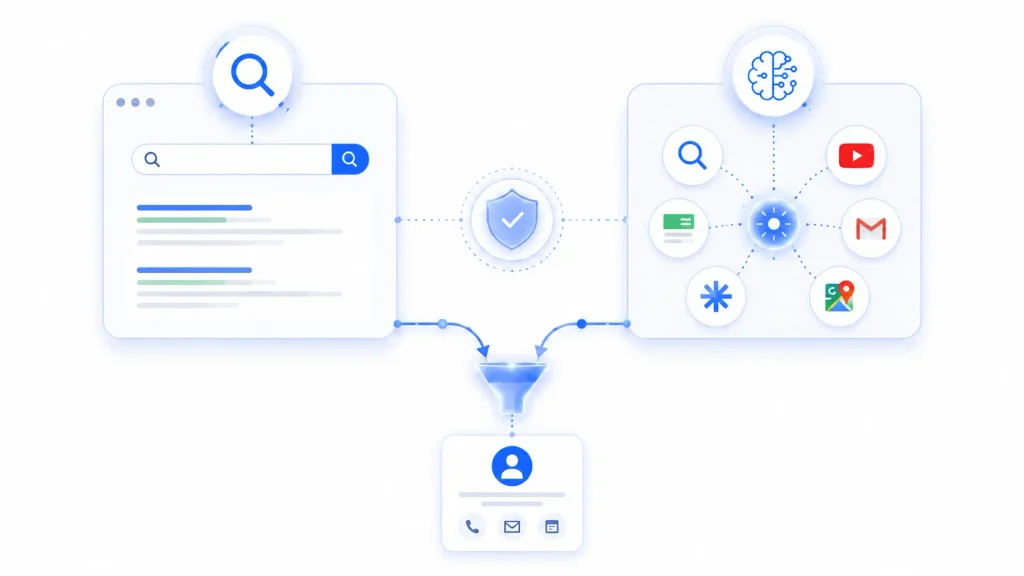
Performance Max is goal-based and automated. Instead of keywords, you feed it assets – headlines, images, video, audience signals – and Google’s algorithm decides where and to whom to show them across six channels, optimizing toward your conversion goal. It blends demand capture with demand generation.
That one structural difference, manual control versus automated distribution, explains almost every trade-off in this guide.
Why This Matters More for B2C
B2C lead gen moves faster than B2B. Someone searching for a dentist appointment or an insurance quote is usually ready to act within days, not months. That changes what “good” looks like – a flood of low-intent form fills is often worse than fewer high-intent ones, because your team still has to call and qualify every lead, junk or not.
It also affects Quality Score: Search ties it directly to keyword-ad-landing page match, while Performance Max judges relevance through asset performance and audience signal strength instead.

Performance Max: Where It Helps, Where It Doesn’t
Performance Max is strongest once your search volume has plateaued and you need incremental reach, or when your offer is visual – gyms, clinics, real estate – where imagery and video build interest before someone starts actively searching. It also surfaces in-market audiences you might never find through keyword research alone.
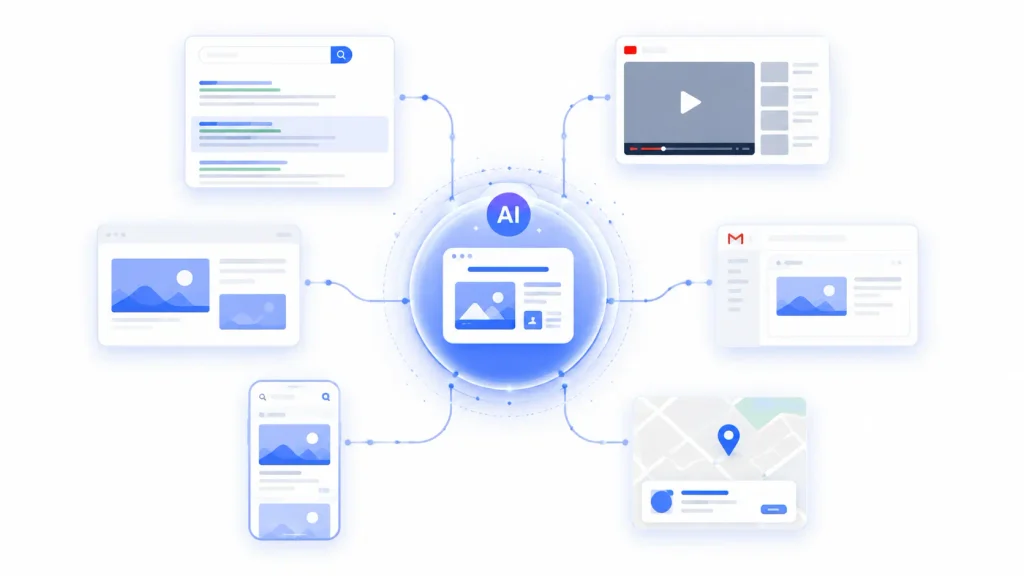
The trade-off is visibility. You cannot see exactly which placements or audiences are driving leads, and it needs a genuine stabilization period before the results mean anything. Without a clean conversion signal – form fills separated from actually qualified leads – it tends to chase volume over quality.
If you’re running PMax for lead generation, connect offline conversion data as early as possible otherwise, the algorithm has no way to tell a genuine lead from an accidental form fill.
Search Campaigns: Where They Help, Where They Don’t
Search gives you full keyword control, catches people at the exact moment of intent, and its Search Terms Report shows precisely what people typed before converting – which makes it fast to diagnose when something’s off.
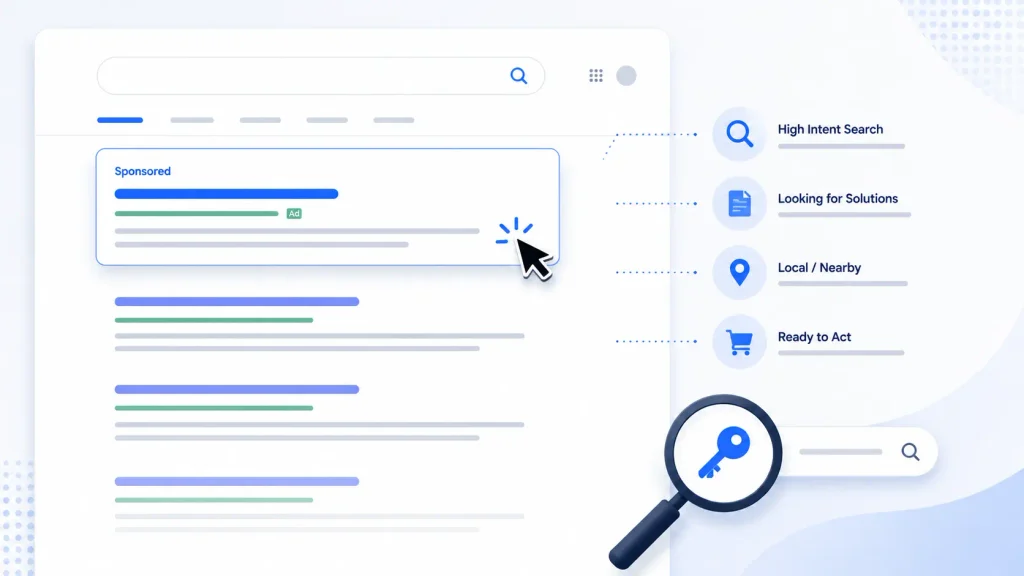
The catch: it only reaches people already searching, so it cannot create new demand, and once you have captured the available search volume, growth flattens. It also needs constant upkeep – negative keywords, bid adjustments, ad testing – and can get expensive fast in competitive categories like insurance or legal services.
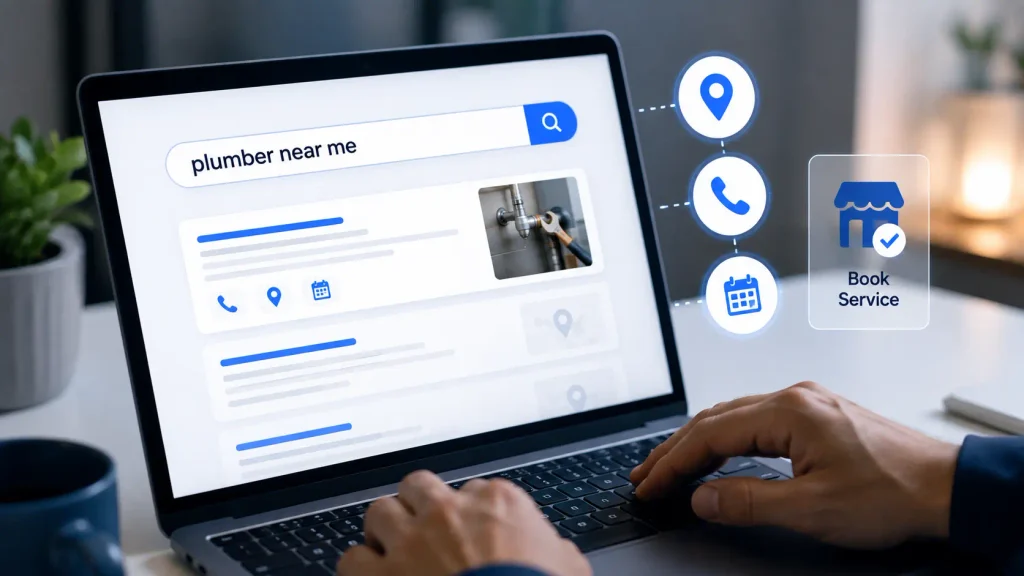
Head-to-Head: Performance Max vs Search for B2C
Here’s a direct comparison across the factors that matter most for B2C lead generation.
| Factor | Performance Max | Search Campaigns |
| Targeting control | Signal-based, automated | Full manual keyword control |
| Channel reach | Search + Display + YouTube + Gmail + Discover + Maps | Search results only |
| Best suited for | Extending reach once search demand plateaus | Capturing active, high-intent search demand |
| Reporting transparency | Limited – asset & channel-level only | Full – keyword & search-term level |
| Typical lead quality signal | Needs offline conversion import to protect quality | Naturally intent-filtered by keyword choice |
| 2026 status | Gained negative keywords, channel reporting, audience exclusions | Being layered with AI Max – broad match & ACA auto-upgrade from Sept 2026 |
Neither column wins outright. The right call depends on where your account stands today.
Which to Run First
Start with Search if you are new to this offer, working with a limited budget, or your message needs precise city or service-level targeting. Move to Performance Max once Search is already capturing most of your available demand, you have got a few weeks of clean conversion data, and you have real creative assets ready – not just text.
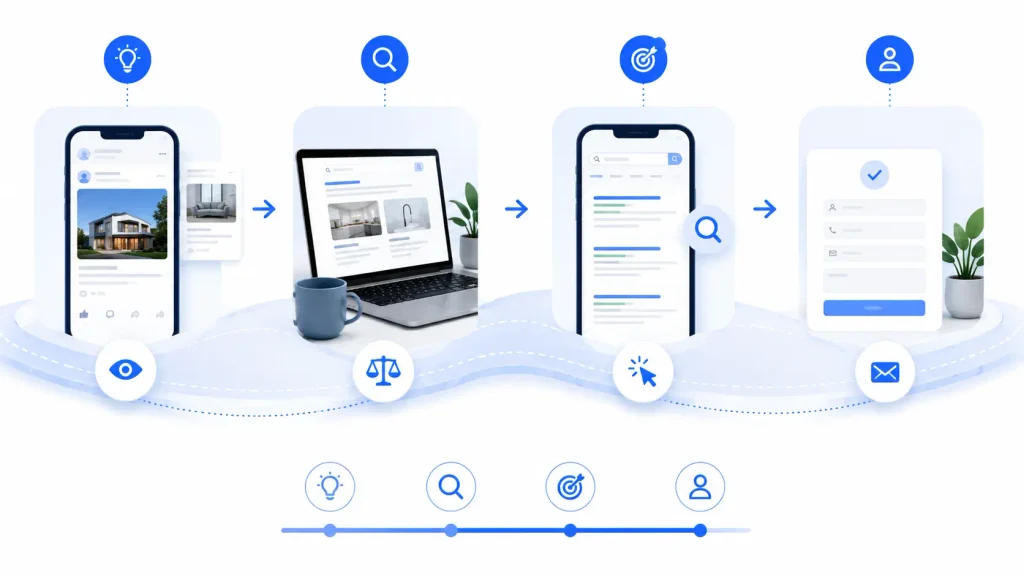
Think of Search as the foundation and Performance Max as the expansion layer. Accounts that build keyword-intent data first tend to get more predictable results from PMax later on.
Running Both Without Competing With Yourself
Performance Max can end up bidding against your own Search campaigns for the same clicks. Manage this with campaign priority and keyword exclusions so PMax stays off your best-performing branded or bottom-funnel terms. Check the Insights tab regularly for overlap, and judge success by total qualified leads across the account, not by which campaign technically gets the credit.

Getting Conversion Tracking Right
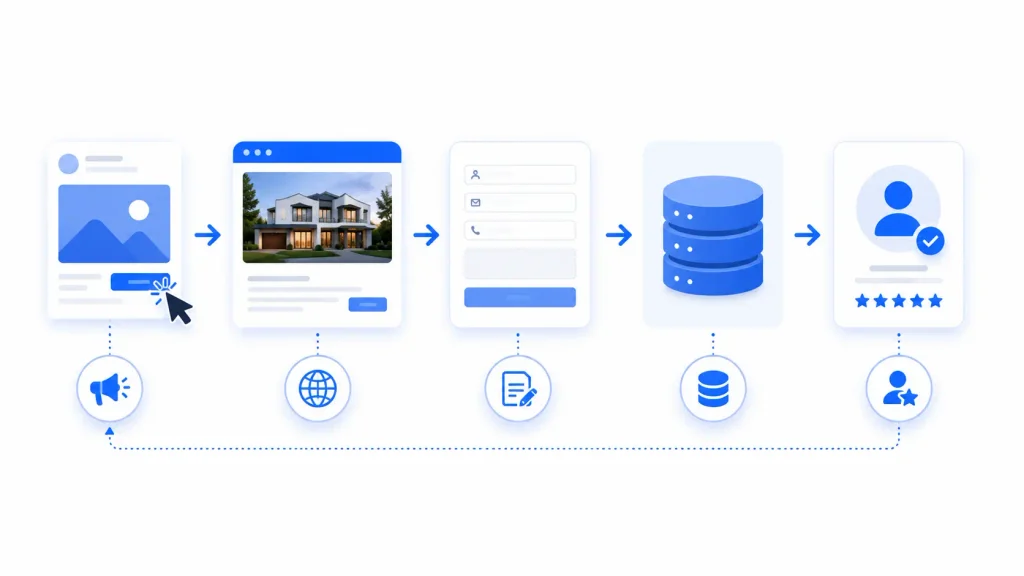
Whatever you run, the single biggest lever for lead quality is what you tell Google to optimize toward. For Search, separate “lead submitted” from “qualified lead” as two conversion actions if your process allows it, and mine the Search Terms Report weekly. For Performance Max, build audience signals from your real customer list and high-intent visitors, not generic categories, and import offline conversions so the algorithm learns to favor quality over volume.
Mistakes Worth Avoiding
- Launching Performance Max with zero historical conversion data and expecting instant quality.
- Running broad match without a solid negative keyword list.
- Judging Performance Max after a few days instead of giving it a real stabilization period.
- Letting AI Max auto-upgrade a Search campaign without checking what settings it defaults to first – new for 2026, and easy to miss.
Quick Decision Checklist
- Do you have a few weeks of clean conversion tracking data?
- Is your budget tight enough that every click needs to be high-intent?
- Have your Search campaigns plateaued on available volume?
- Do you have real photo and video assets ready?
- Is your landing page tailored to the offer, not generic?
Frequently Asked Questions
Neither wins outright. Search tends to produce more intent-qualified leads; Performance Max is better for extending reach once Search has captured most of the available demand.
Yes – for most established B2C accounts, running both with clear exclusions works better than picking just one.
It’s Google’s AI layer on top of standard Search campaigns. If your account uses automatically created assets or broad match, it auto-upgrades from September 2026 – worth reviewing before that happens rather than after.
Final Thought
This isn’t a one-time decision – it’s an ongoing split that shifts as your account matures, and 2026 has it moving faster than usual. Start with what matches where you are today: Search for control and immediate intent, Performance Max once you’ve got the data and creative to feed it properly.
The advertisers who get the most out of this aren’t the ones who pick a side – they’re the ones who know which job each campaign is doing, and keep adjusting the split as the data comes in.
Pooja Dharsenda

As a Jr. PPC Executive, I create and optimize Google Ads and Bing Ads Campaigns that deliver measurable results. From campaign setup and audience targeting to ongoing optimization and reporting, I help businesses maximize their advertising investment.
Contact Form Popup
Boost Your Business Now
This will close in 0 seconds
apply now popup
Apply Now
This will close in 0 seconds
Get free audit popup
Get Free Google Ads Account Audit Worth $999
This will close in 0 seconds
Contact page Form Popup
Contact Us
This will close in 0 seconds